Skip to content
Triwarden

Guide · SSH agent

Your SSH keys,
in your vault.

Triwarden acts as an SSH agent for ssh and git, using SSH Key items in your vault. Signing happens inside the app; clients receive the signature, not the private key. Approval frequency is configurable.

ssh · gitagent socketTriwardenYou approvesignature
ssh requests a signature. Triwarden checks approval, prompts with Touch ID or your Mac password when needed, and returns the signature.

Set up

Four steps to
set up your SSH agent.

  1. 01

    Turn on the agent

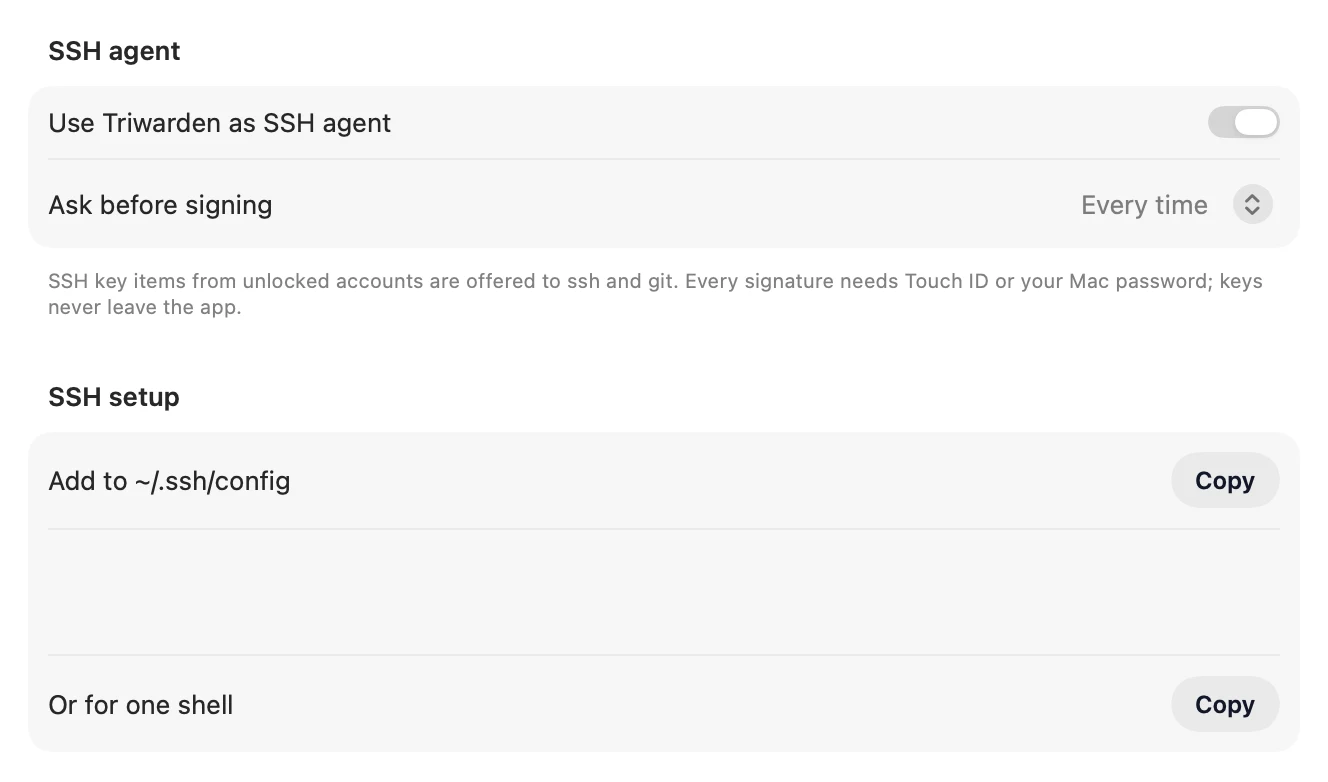
    Open Triwarden › Settings › Developer and switch on Use Triwarden as SSH agent. It runs while the app is open and offers keys only while your vault is unlocked.

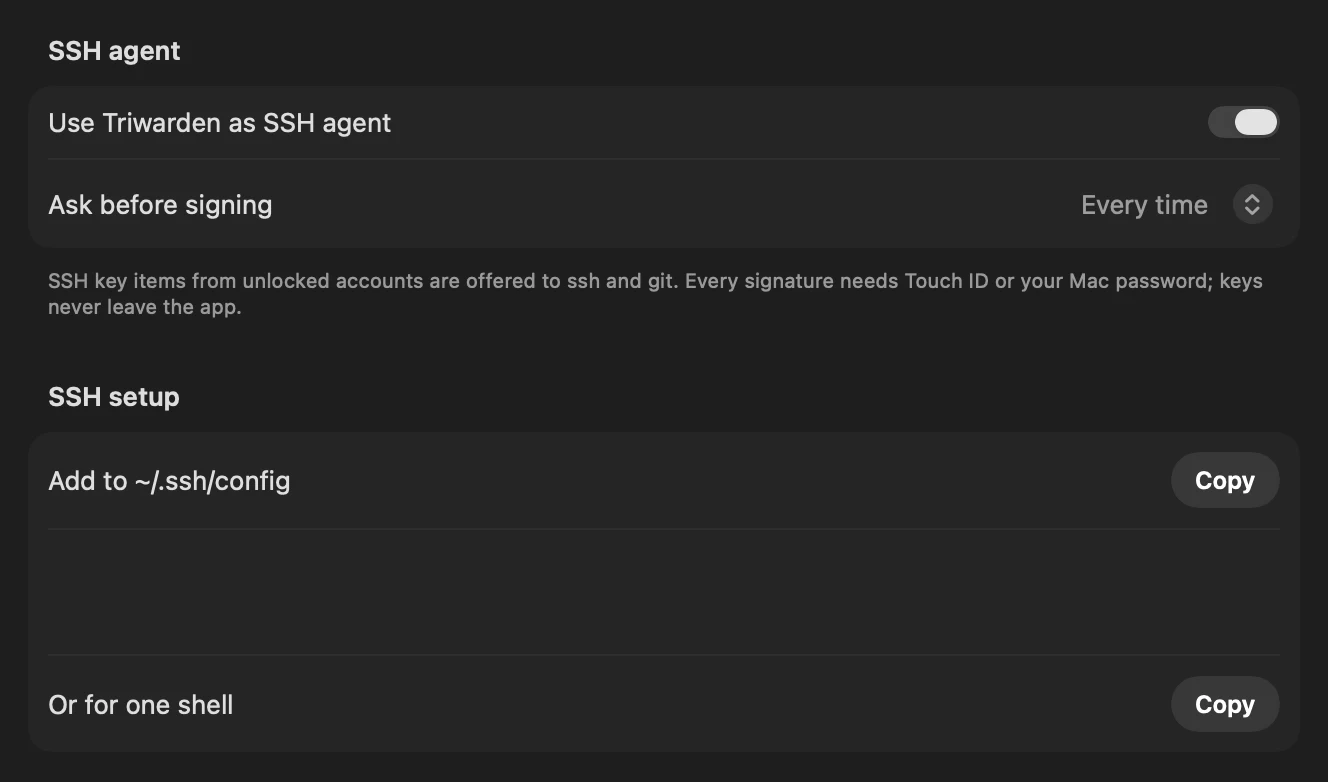
    Triwarden Settings › Developer: Use Triwarden as SSH agent, Ask before signing, and SSH setup with Copy buttonsTriwarden Settings › Developer: Use Triwarden as SSH agent, Ask before signing, and SSH setup with Copy buttons
  2. 02

    Add a key

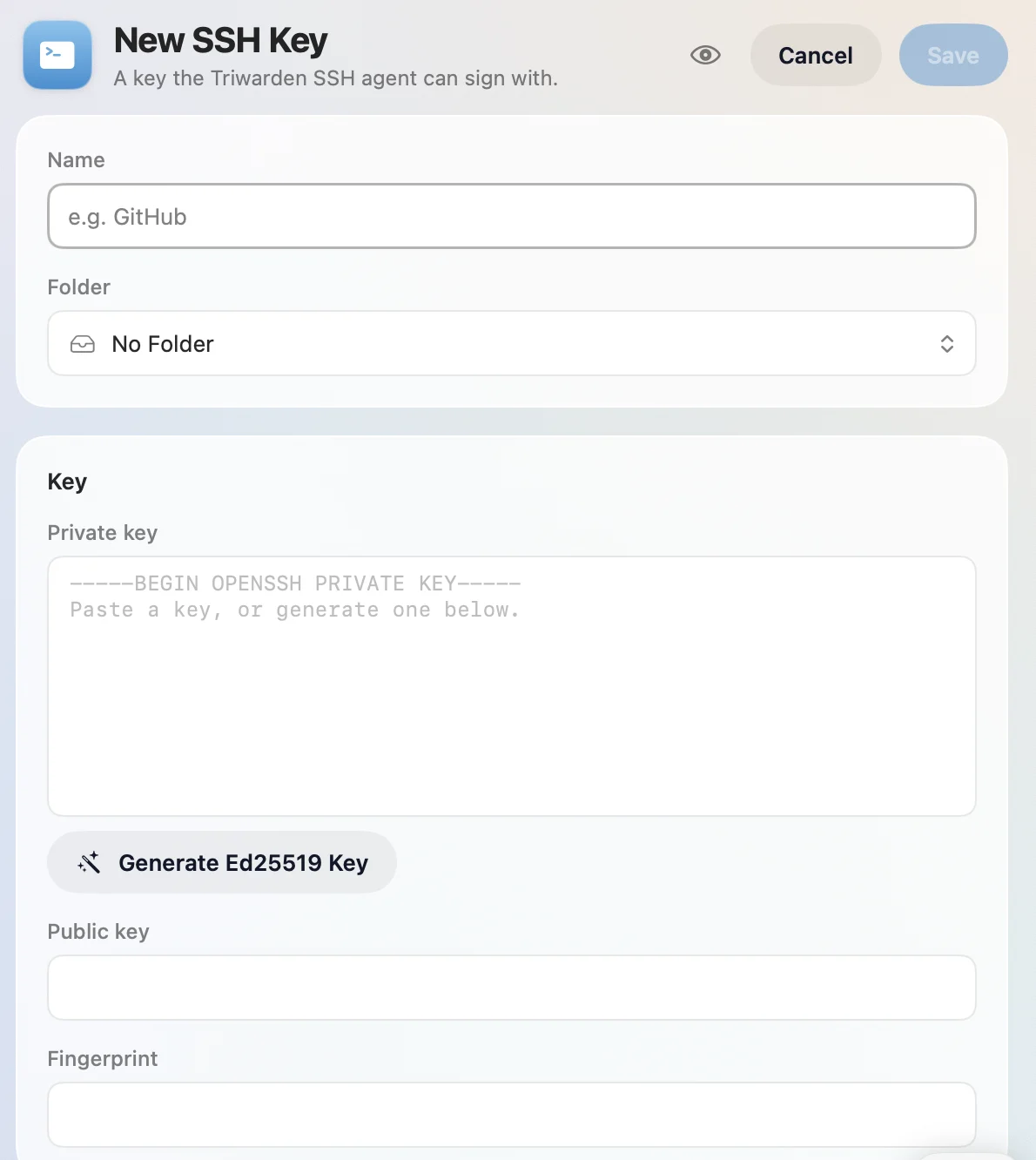
    Make a new SSH Key item. Press Generate Ed25519 Key for a fresh one, or paste a private key you already have — an unencrypted OpenSSH key (-----BEGIN OPENSSH PRIVATE KEY-----). Ed25519, ECDSA (P-256, P-384, P-521) and RSA all work, and SSH keys saved by other Bitwarden apps show up too.

    Key has a passphrase? The agent can’t use encrypted keys. Make an unencrypted copy, paste it into the item, then delete the copy — the vault keeps it encrypted from then on.

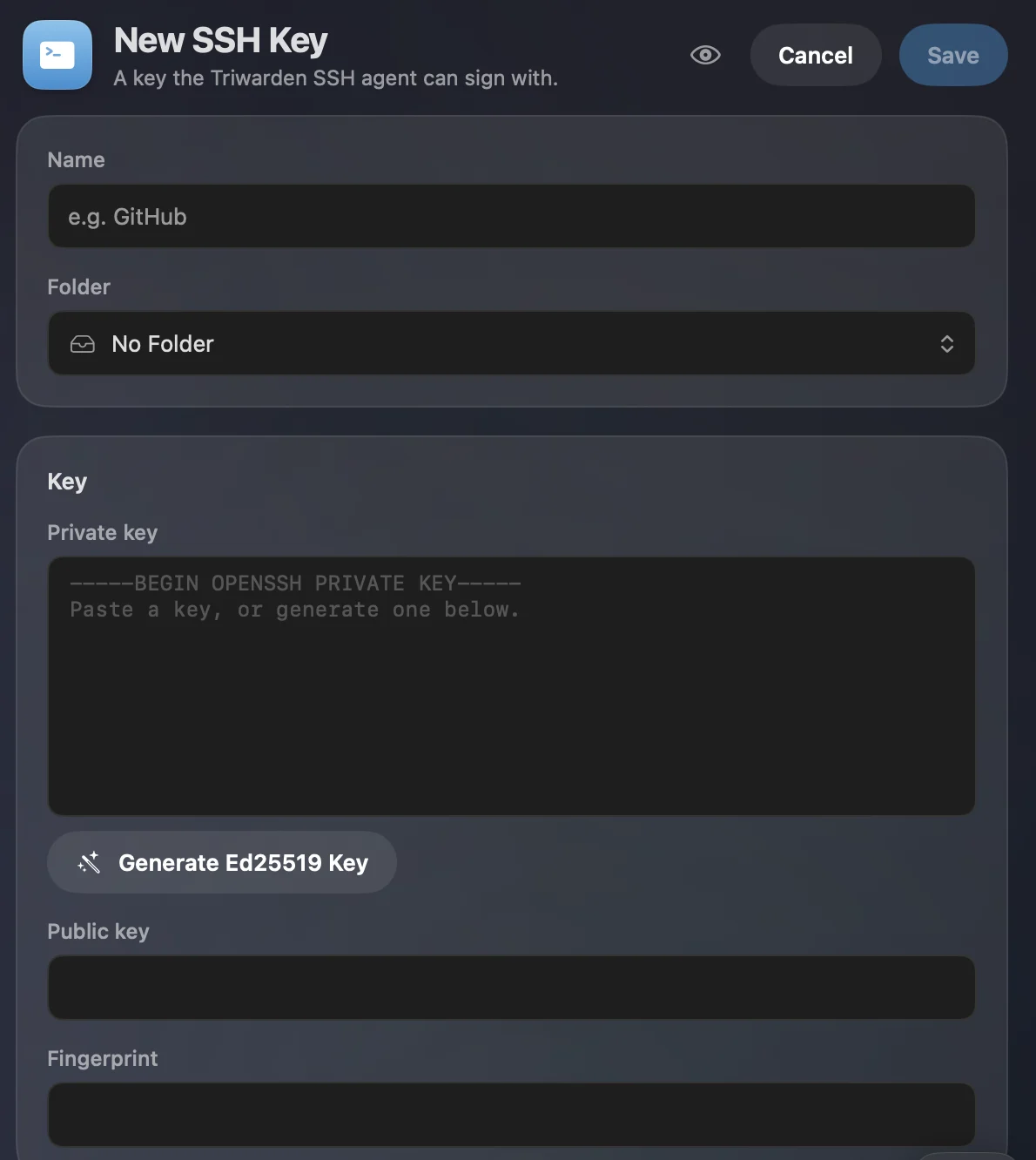
    New SSH Key in the detail panel: name, folder, private key with Generate Ed25519 Key, public key and fingerprintNew SSH Key in the detail panel: name, folder, private key with Generate Ed25519 Key, public key and fingerprint
    Remove a passphrase (on a copy)
    cp ~/.ssh/id_ed25519 /tmp/key
    ssh-keygen -p -N "" -f /tmp/key
    # paste /tmp/key into the item, then:
    rm /tmp/key
    
  3. 03

    Point ssh at it

    Add the agent to ~/.ssh/config — Settings › Developer › SSH setup has a Copy button with your own path filled in. Or set it for a single shell.

    Prefer the config file: apps opened from the Dock (VS Code, Tower, Fork, Xcode) don’t see your shell’s variables, but every ssh reads the config.

    ~/.ssh/config
    Host *
      IdentityAgent "~/Library/Group Containers/…/agent.sock"
    
    zsh
    export SSH_AUTH_SOCK="$HOME/Library/Group Containers/…/agent.sock"
    
  4. 04

    Check it works

    ssh-add -L lists the public keys the agent offers. Nothing there? See the fixes below.

    Terminal
    ssh-add -L
    ssh-ed25519 AAAAC3NzaC1lZDI1NTE5AAAAIKx…Qx9 GitHub
    ssh-ed25519 AAAAC3NzaC1lZDI1NTE5AAAAIM2…7mK homelab
    

Everyday use

Every place
ssh shows up.

GitHub and GitLab

Copy the item’s public key into GitHub › Settings › SSH and GPG keys as an Authentication key (GitLab: User settings › SSH keys). Then test it:

Terminal
ssh -T [email protected]
# Triwarden asks: allow “ssh” to sign with “GitHub”
Hi alexchen! You've successfully authenticated, but GitHub does not provide shell access.

Your servers

Add the public key to ~/.ssh/authorized_keys on the server, then connect with ssh. Triwarden’s agent returns signatures without sending your private key to ssh.

Terminal
ssh [email protected] 'cat >> ~/.ssh/authorized_keys' < homelab.pub
ssh [email protected]

Signed git commits

On the key’s page, Git signing › Copy Setup gives you these three lines. Add the same public key to GitHub as a Signing key and your commits show Verified.

Git signing › Copy Setup
git config --global gpg.format ssh
git config --global user.signingkey "key::ssh-ed25519 AAAAC3NzaC1lZDI1NTE5AAAAIKx…Qx9 GitHub"
git config --global commit.gpgsign true

To check signatures locally too, list the keys you trust:

Terminal
echo "[email protected] ssh-ed25519 AAAAC3NzaC1lZDI1NTE5AAAAIKx…Qx9" >> ~/.ssh/allowed_signers
git config --global gpg.ssh.allowedSignersFile ~/.ssh/allowed_signers
git log --show-signature -1
Good "git" signature for [email protected] with ED25519 key SHA256:…

Several keys

With many keys, a server can stop at “Too many authentication failures” before it reaches the right one. Save that key’s public half to a file and pin it to the host:

~/.ssh/config
Host github.com
  IdentityFile ~/.ssh/github.pub
  IdentitiesOnly yes

Only some hosts

Rather keep another agent for everything else? Use Triwarden for named hosts only:

~/.ssh/config
Host github.com gitlab.com nas.home.arpa
  IdentityAgent "~/Library/Group Containers/…/agent.sock"

Git apps and editors

VS Code, Tower, Fork, Xcode and anything else that runs the system’s ssh pick up ~/.ssh/config, so they work once step 3 is done. The approval appears for them the same way.

Approvals

You decide
when to approve signing.

Each request names the program and the key — “allow ssh to sign with the SSH key GitHub”. Choose how often to be asked in Settings › Developer › Ask before signing:

Every time
the default: one prompt per signature
Once per minute, per app
handy for a burst of git fetches
Once per 10 minutes, per app
for long sessions; locking forgets it

If Touch ID is unavailable, macOS can ask for your Mac password. Choose Deny to reject a request. Settings › Developer lists recent approvals and denials.

Fixes

When it
doesn’t work.

“The agent has no identities.”

The vault is locked, the agent is off, there are no SSH Key items, or the key in the item has a passphrase (encrypted keys aren’t offered).

“Could not open a connection to your authentication agent”

This shell doesn’t know where the agent is. Add the IdentityAgent line to ~/.ssh/config, or run the export from step 3 in that shell.

“agent refused operation”

The request was denied, or the prompt was left until it timed out. Run the command again and approve.

“Too many authentication failures”

The server gave up before reaching the right key. Pin the key to the host (Several keys, above).

Ready when you are.

The SSH agent is included in free personal use. Work use requires a license.

Download for Mac