
Your passwords.Your Mac.
A native Mac password manager for Vaultwarden and Bitwarden. Unlock with Touch ID, find any login with one shortcut, and give API keys to your coding tools only when you approve.
Free for personal use · One-time license US$19.99 · Required for work use. Full pricing & FAQ
v0.12.1 · 19.3 MB · macOS 26 or laterRelease notes
- Works with
- Vaultwarden · Bitwarden US & EU
- Unlock
- Touch ID · PIN · master password
- Price
- Personal use free · License US$19.99
Native
Feels like it shipped
with the Mac.
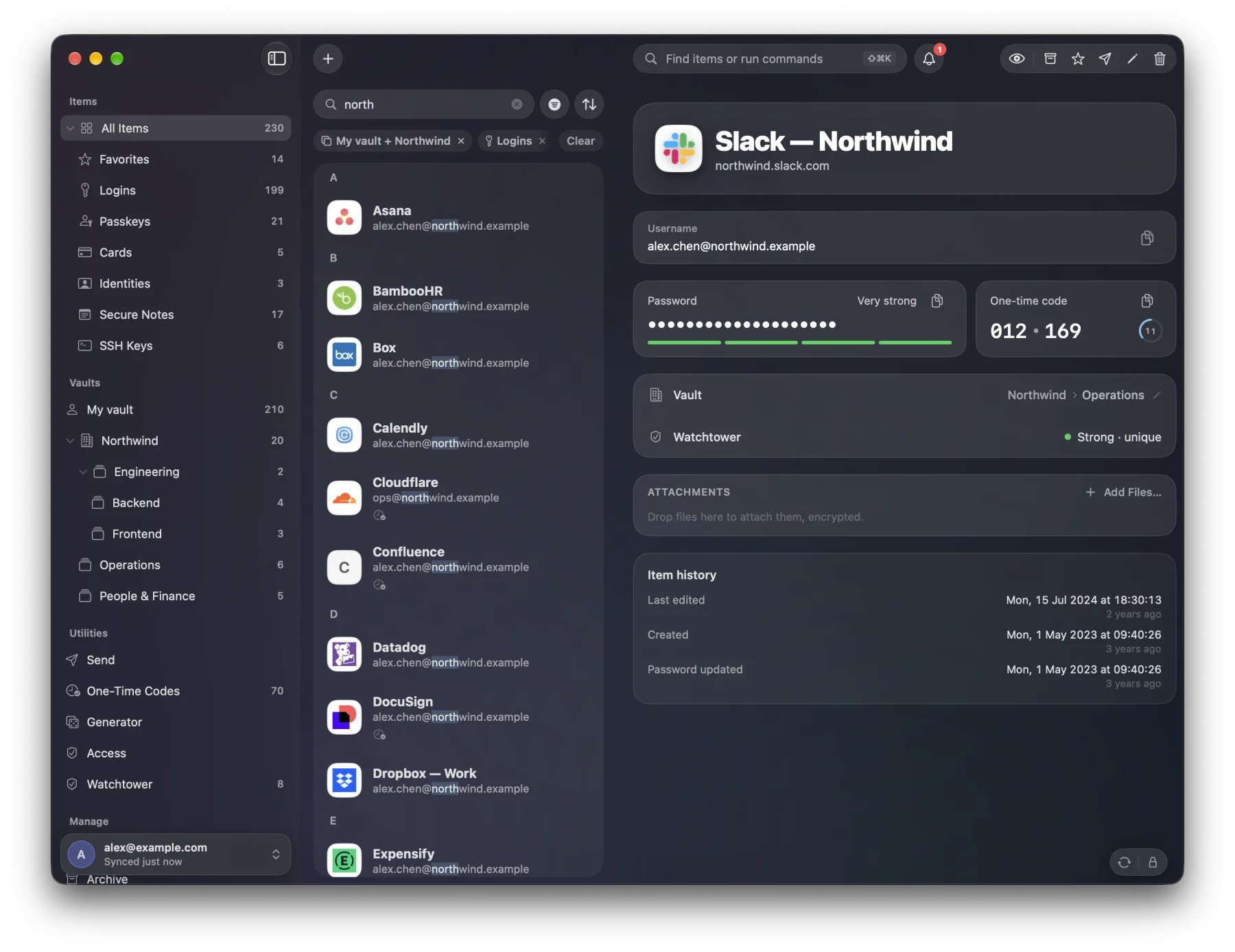
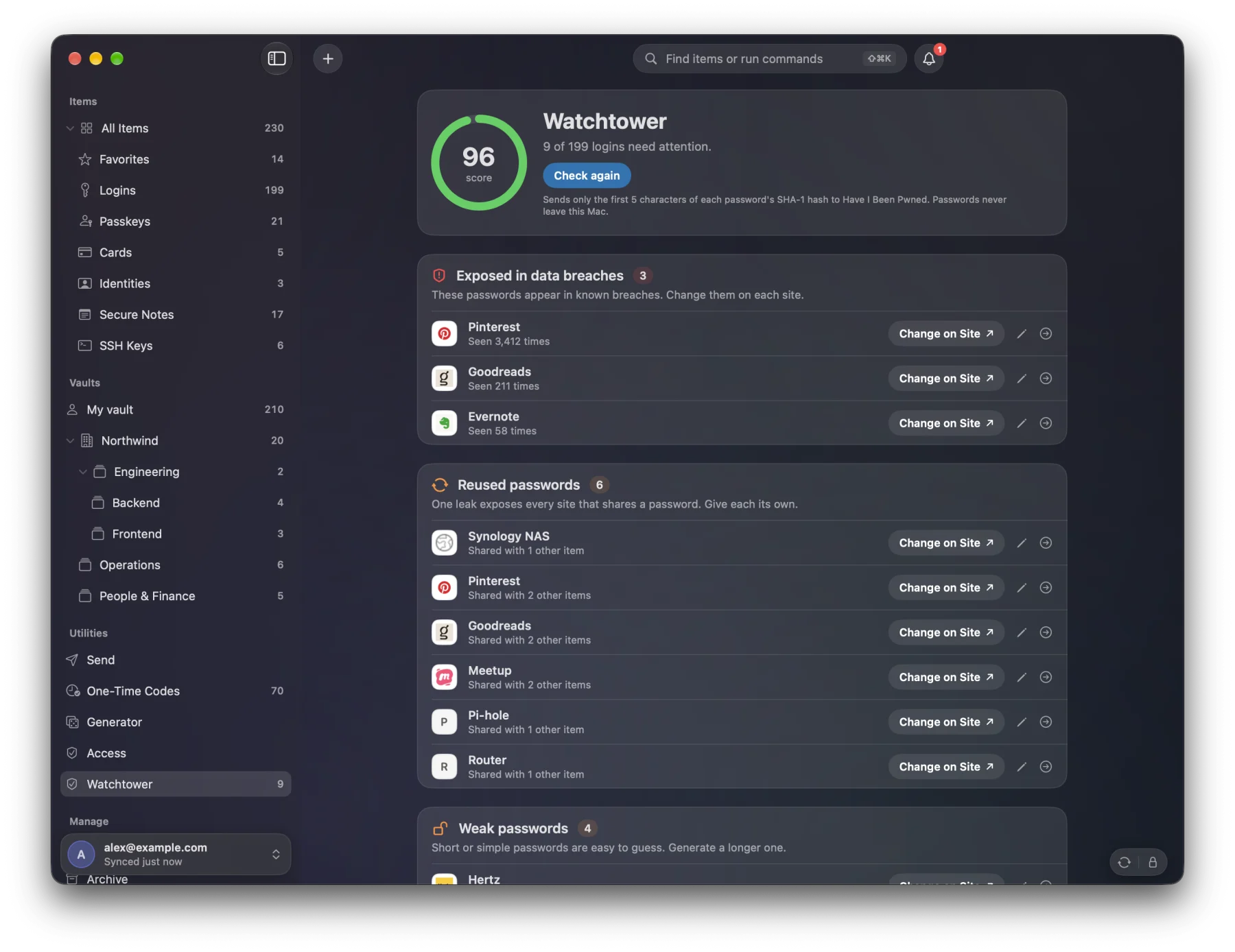
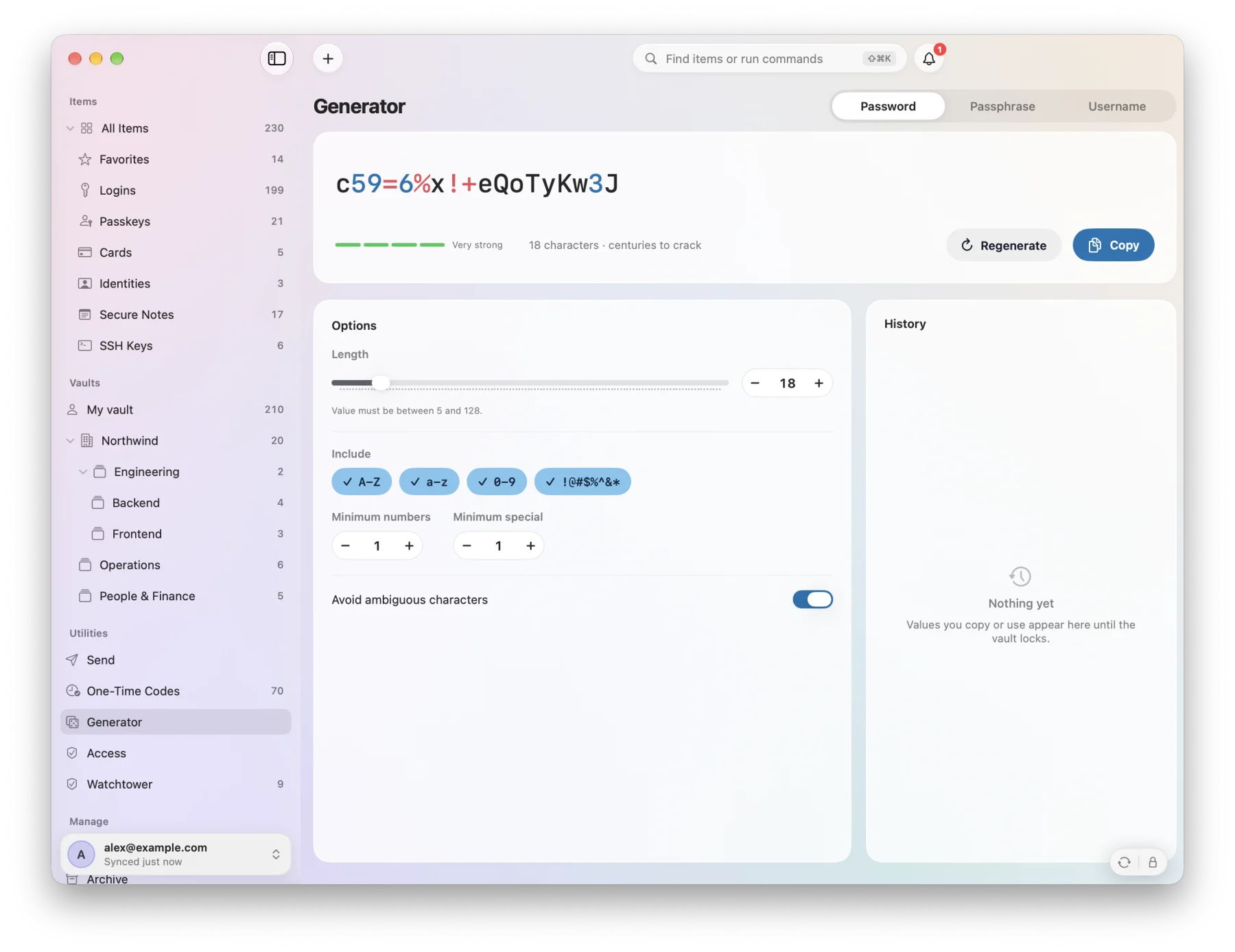
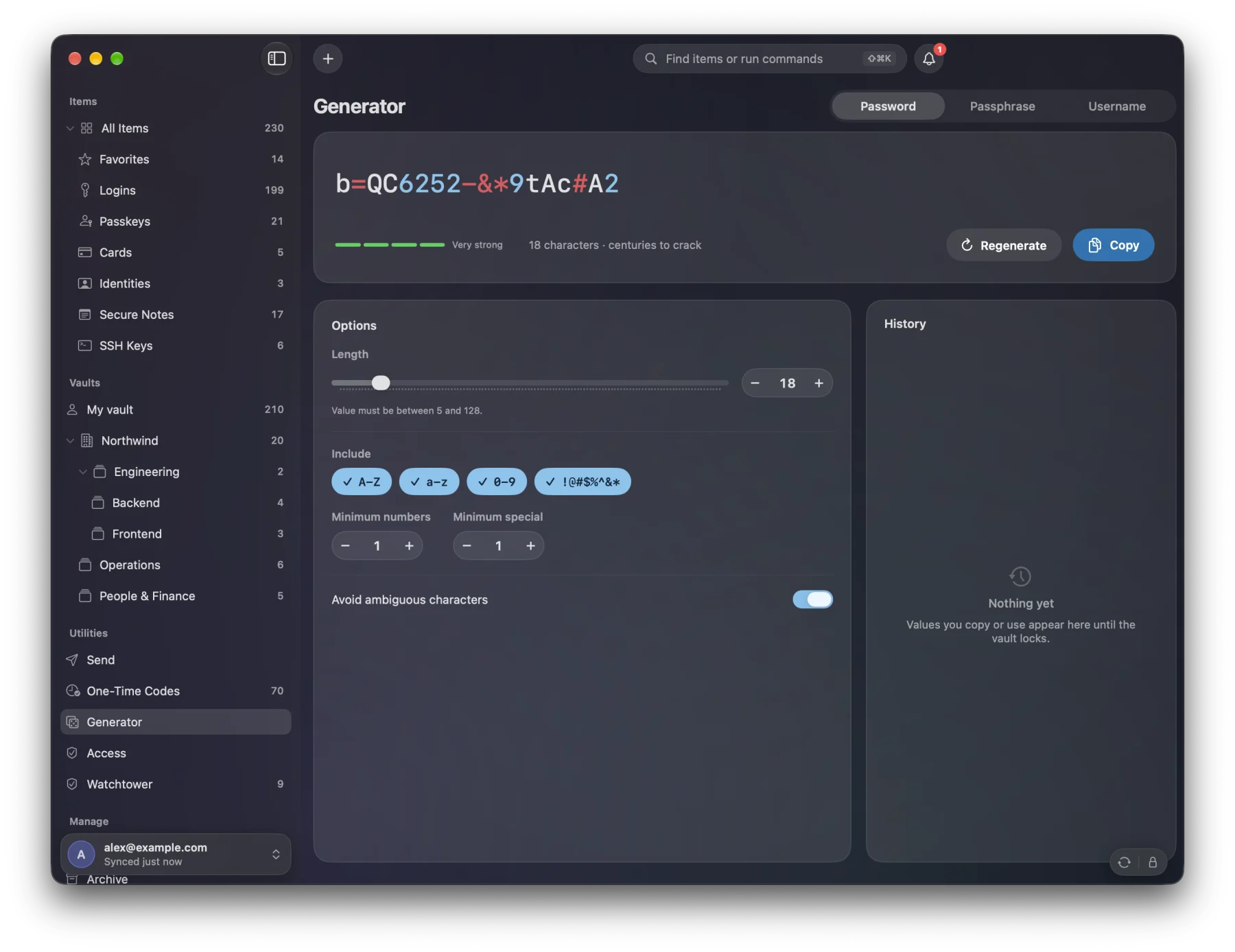
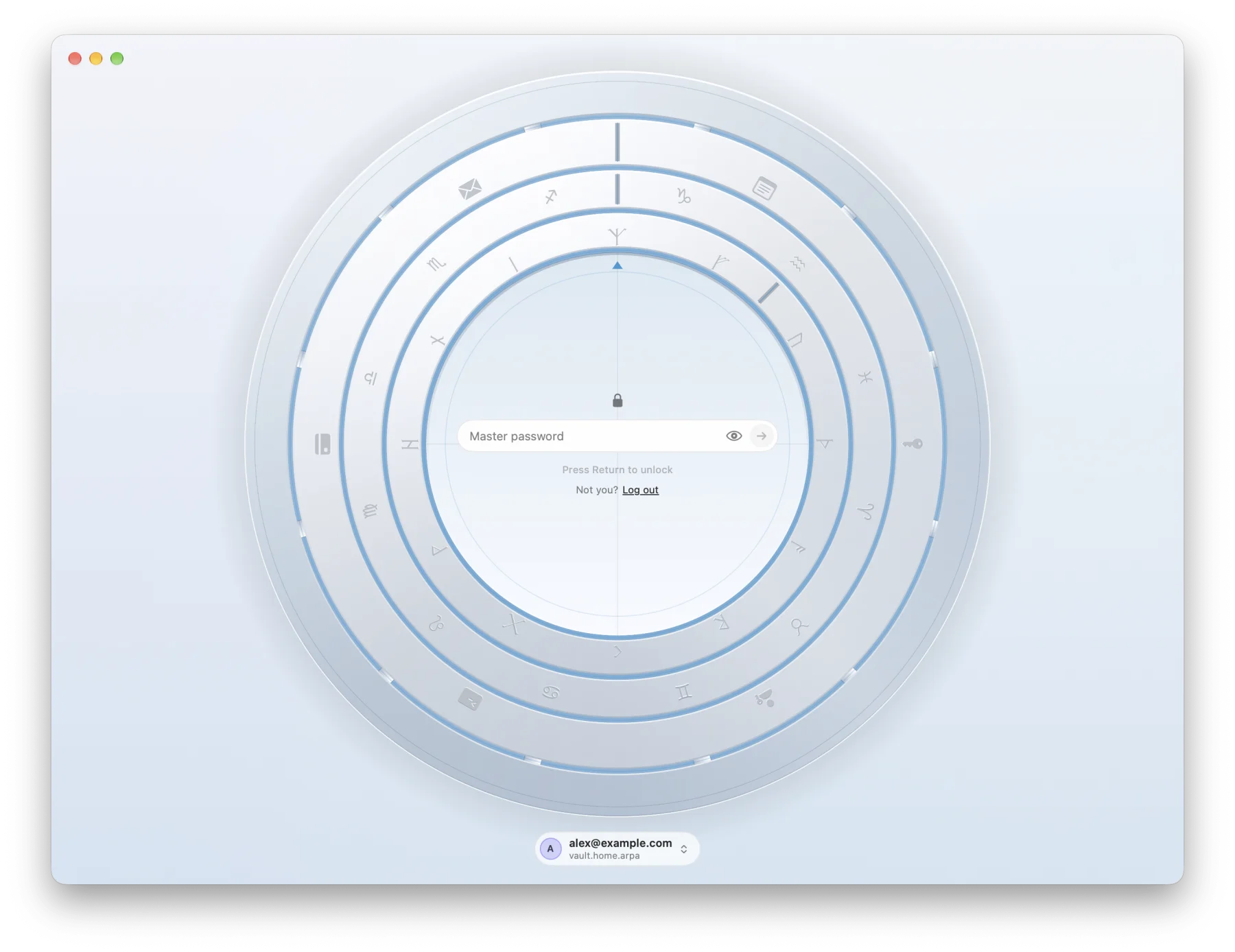
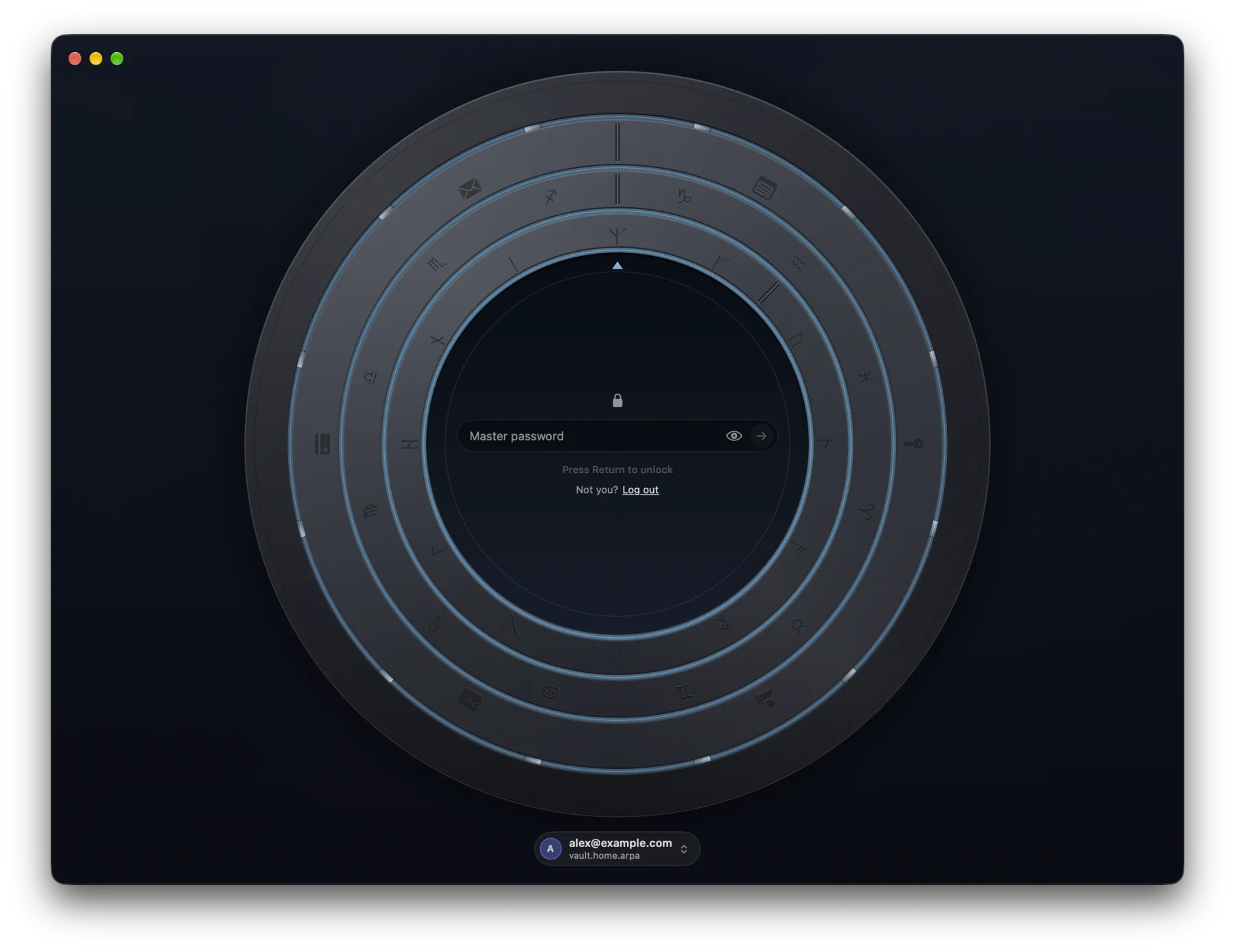
Built with SwiftUI, with light and dark themes, keyboard shortcuts and VoiceOver support.
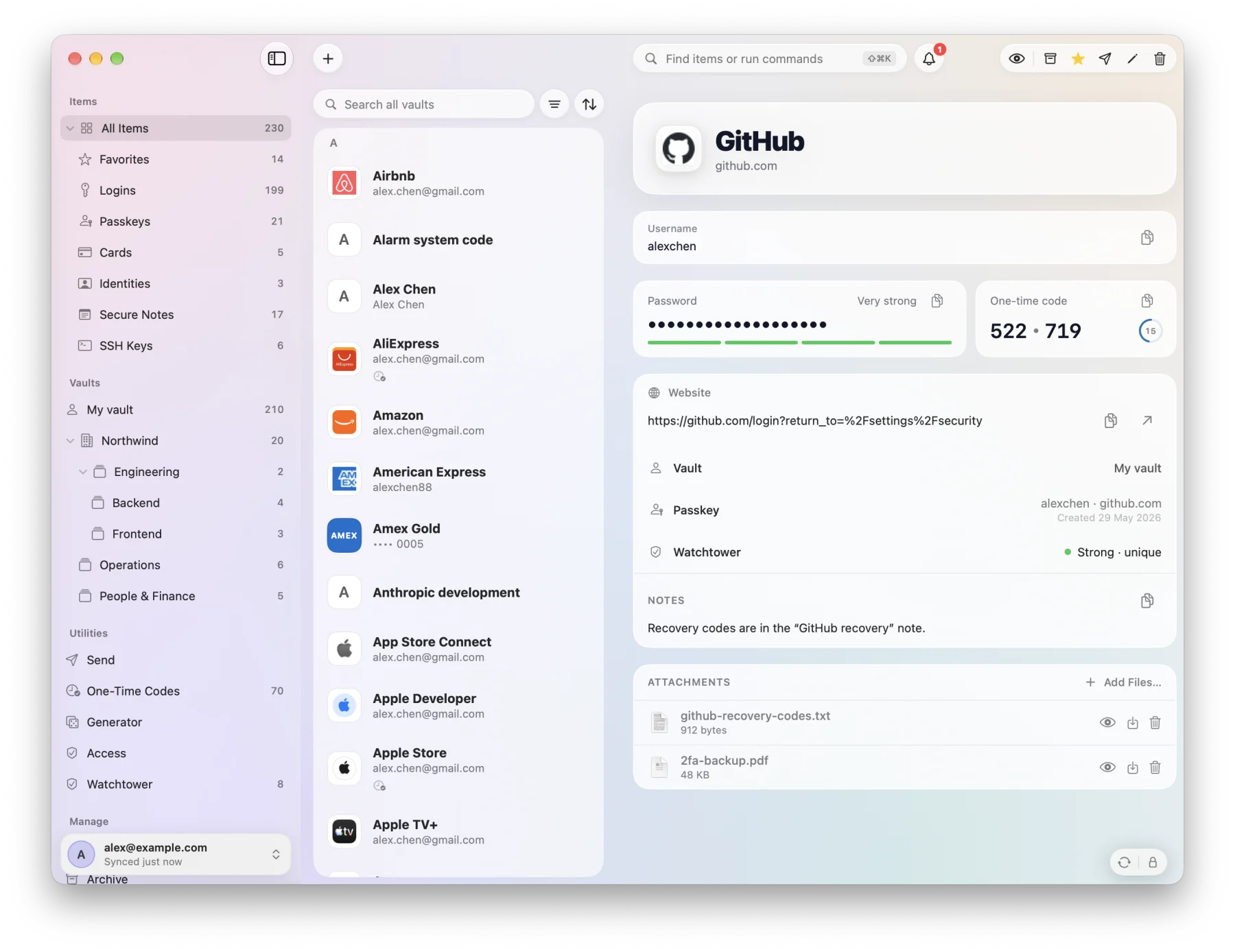
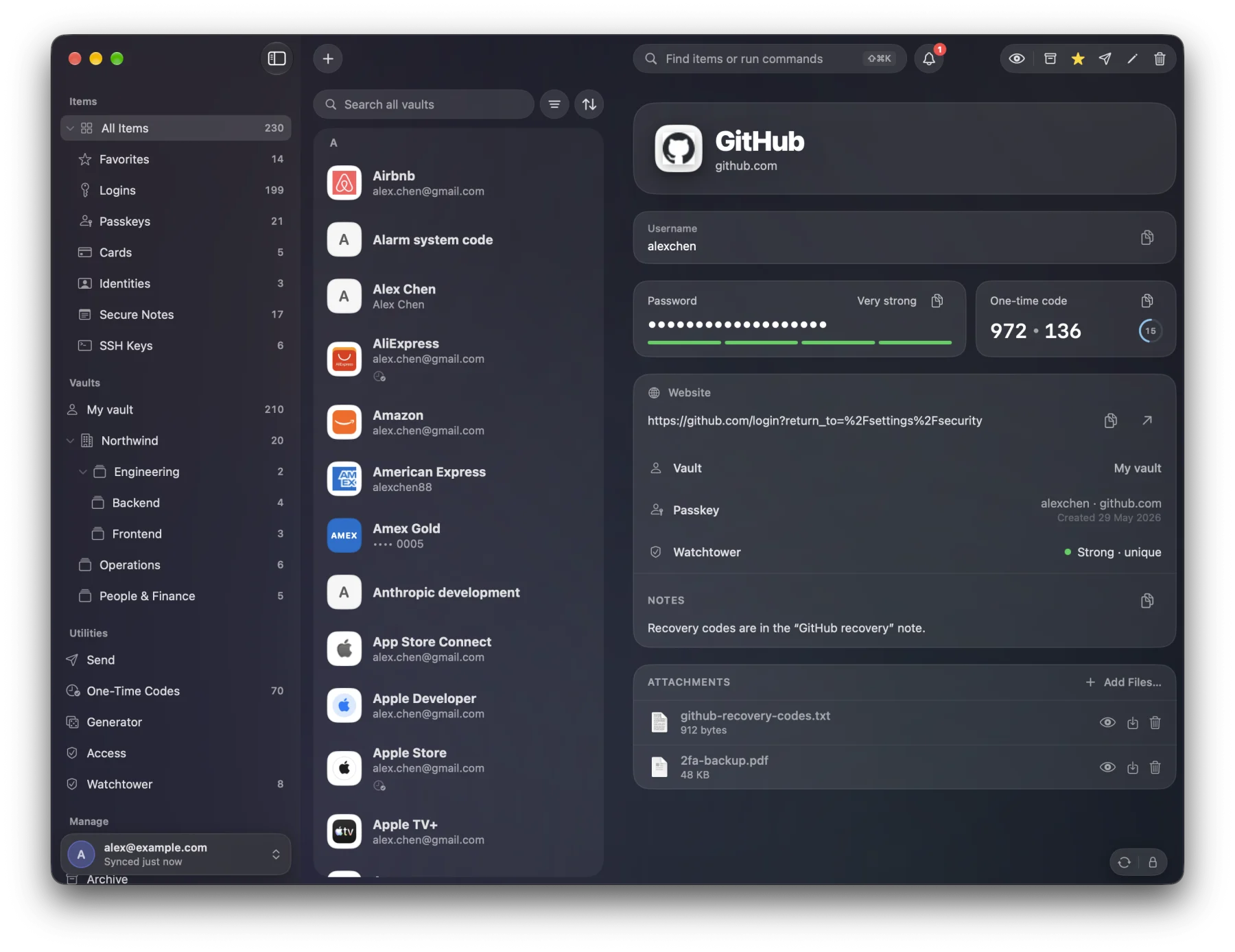
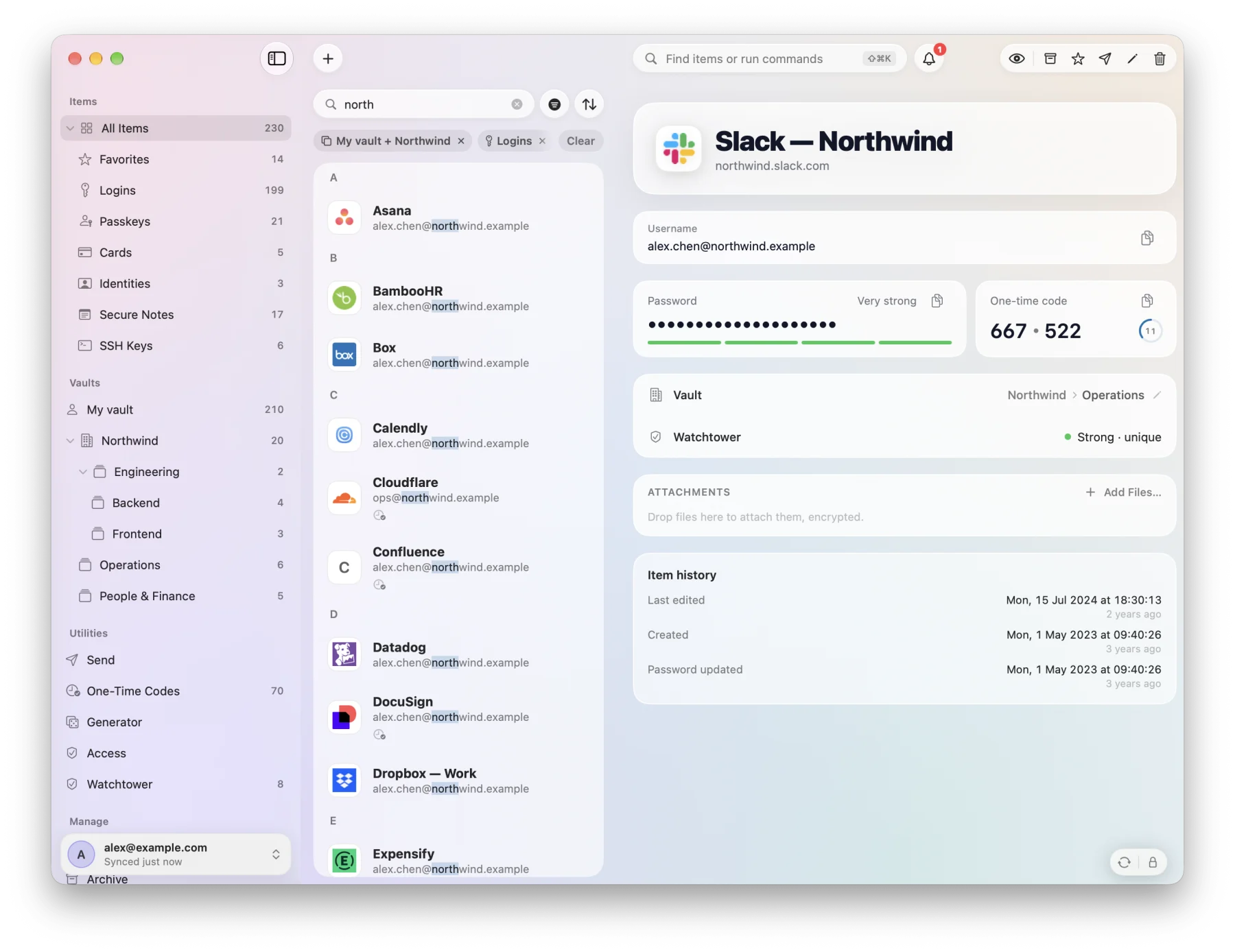
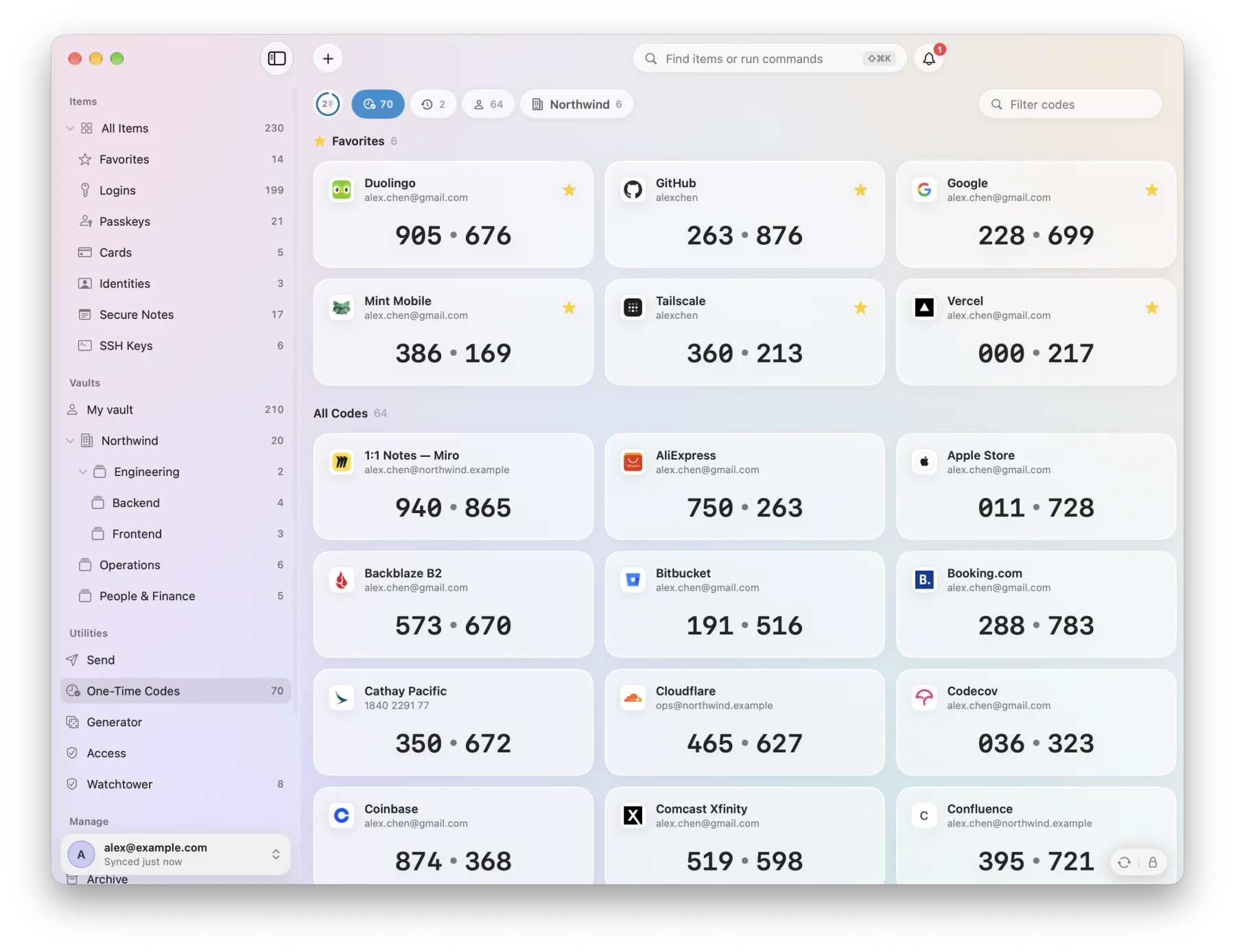
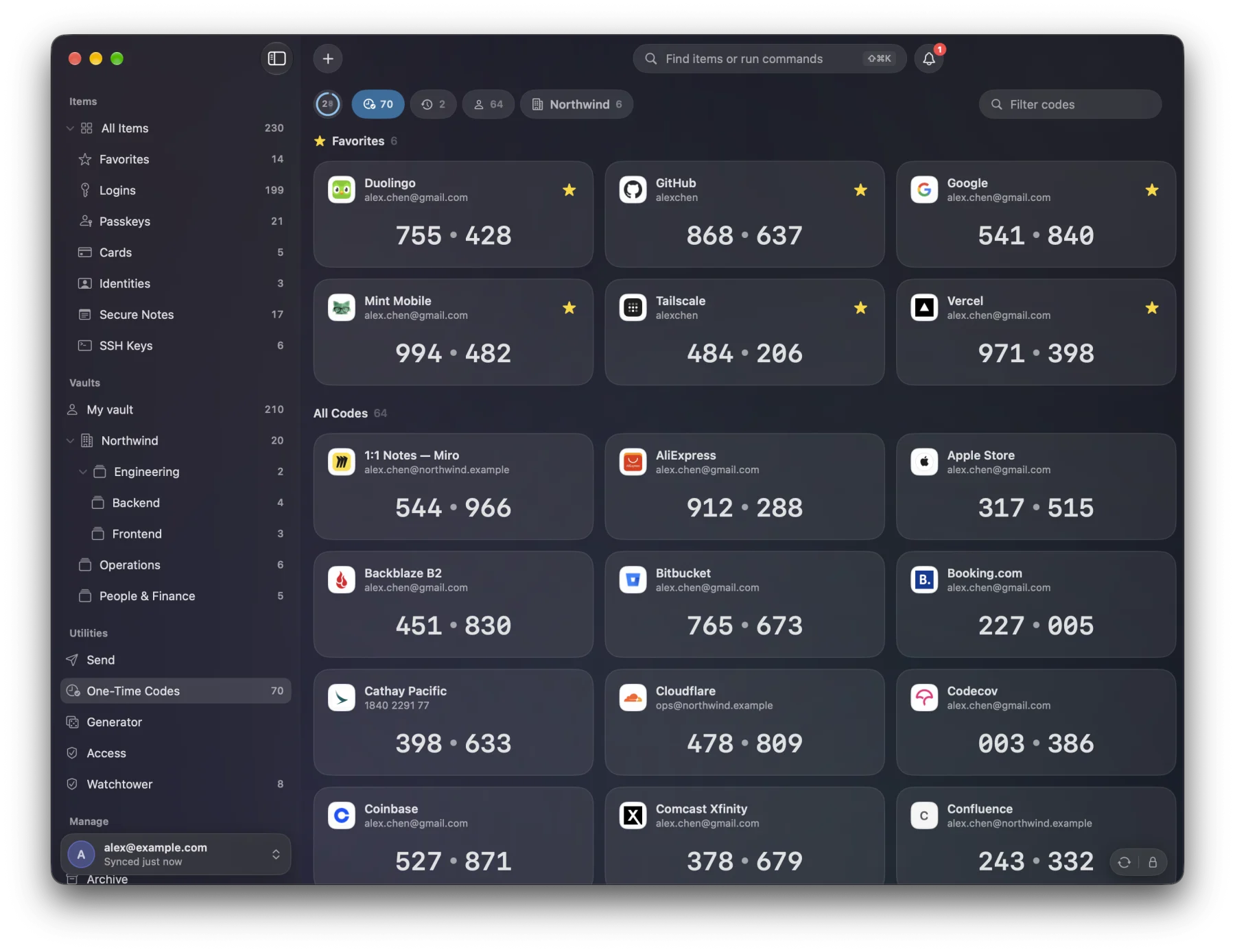
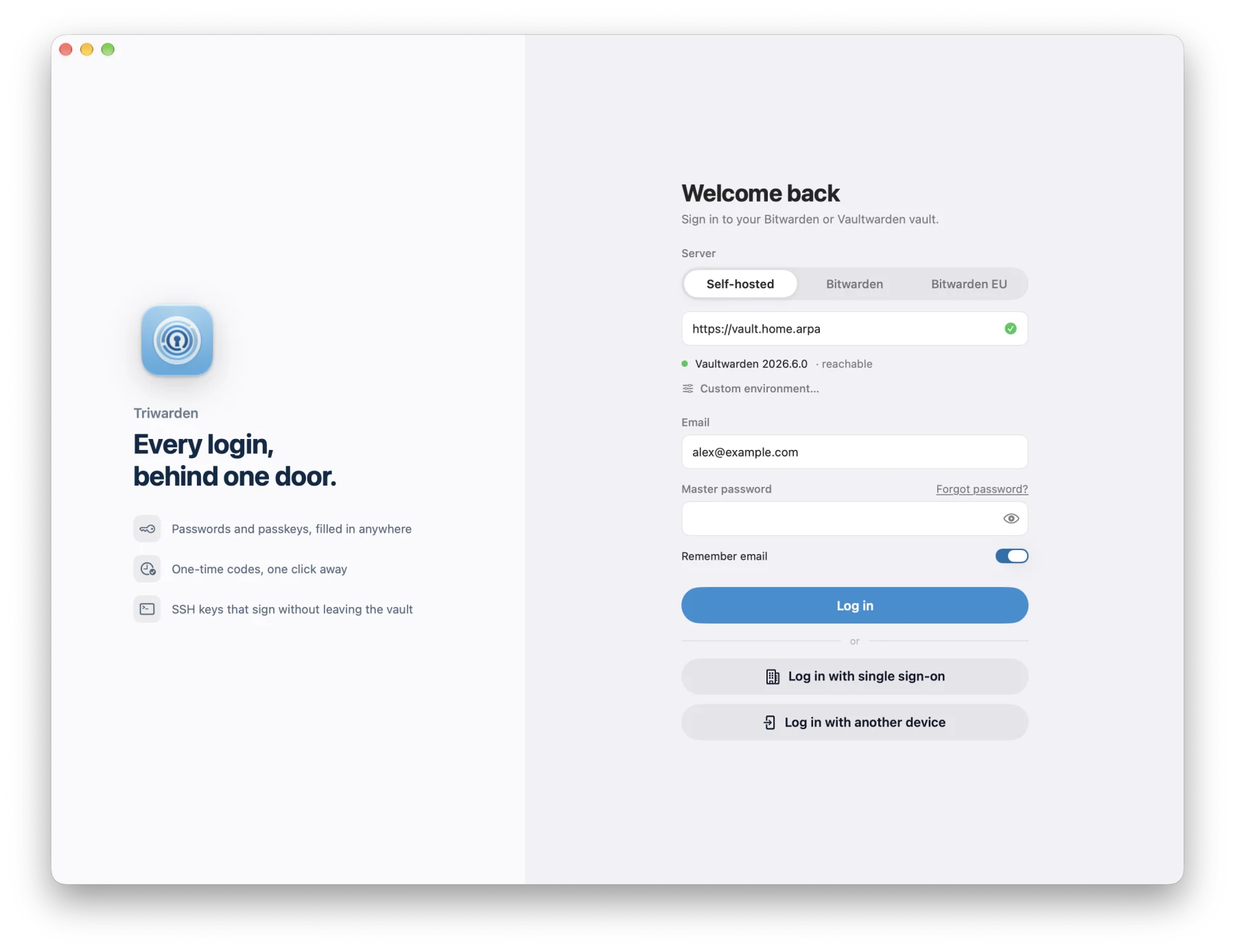
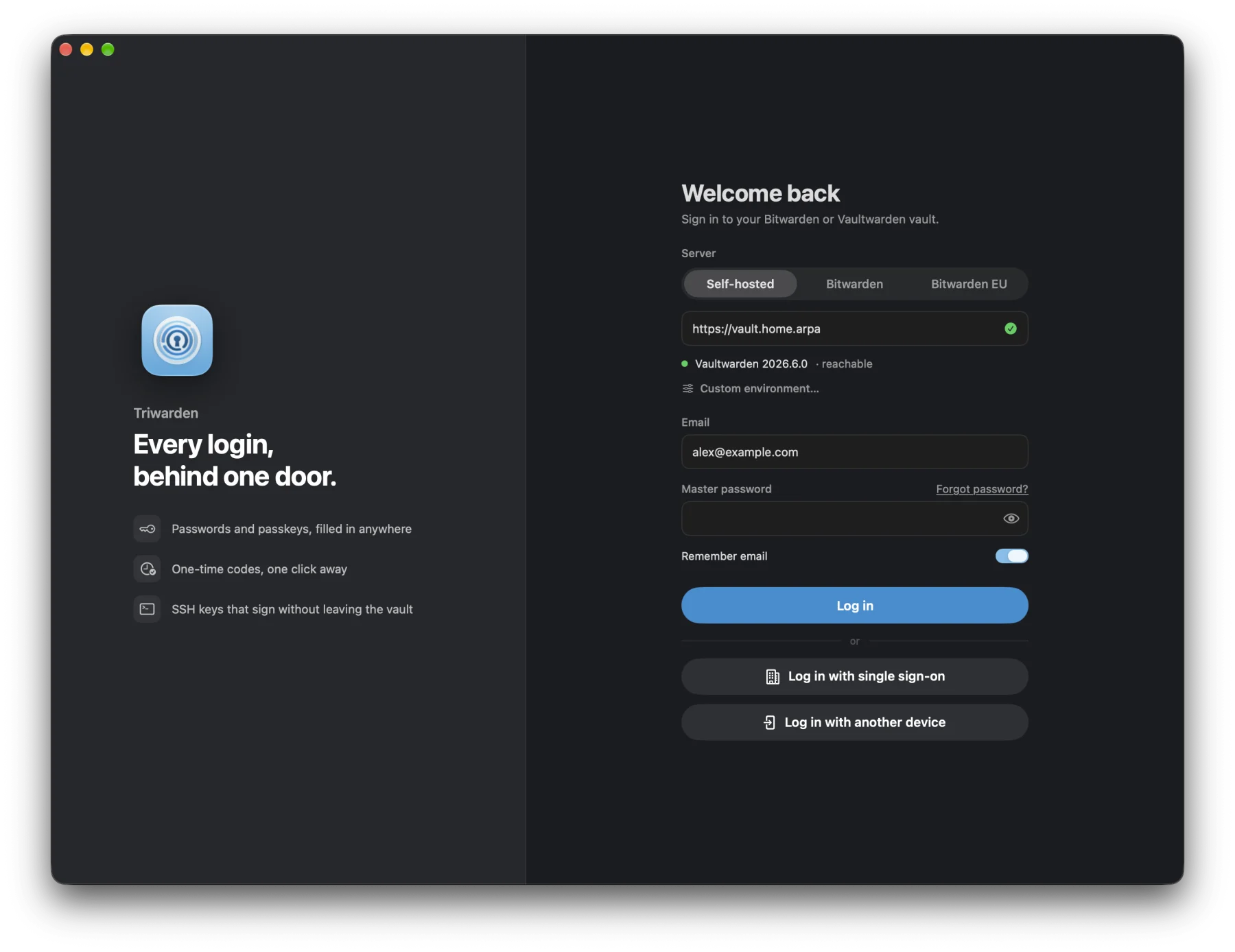
Logins, cards, notes, identities and SSH keys, organized with folders and favorites.
Passwords in your browser, API keys in .env files, SSH keys in ~/.ssh.Now one vault holds them, unlocked only by you.
Search
One search,
every vault.
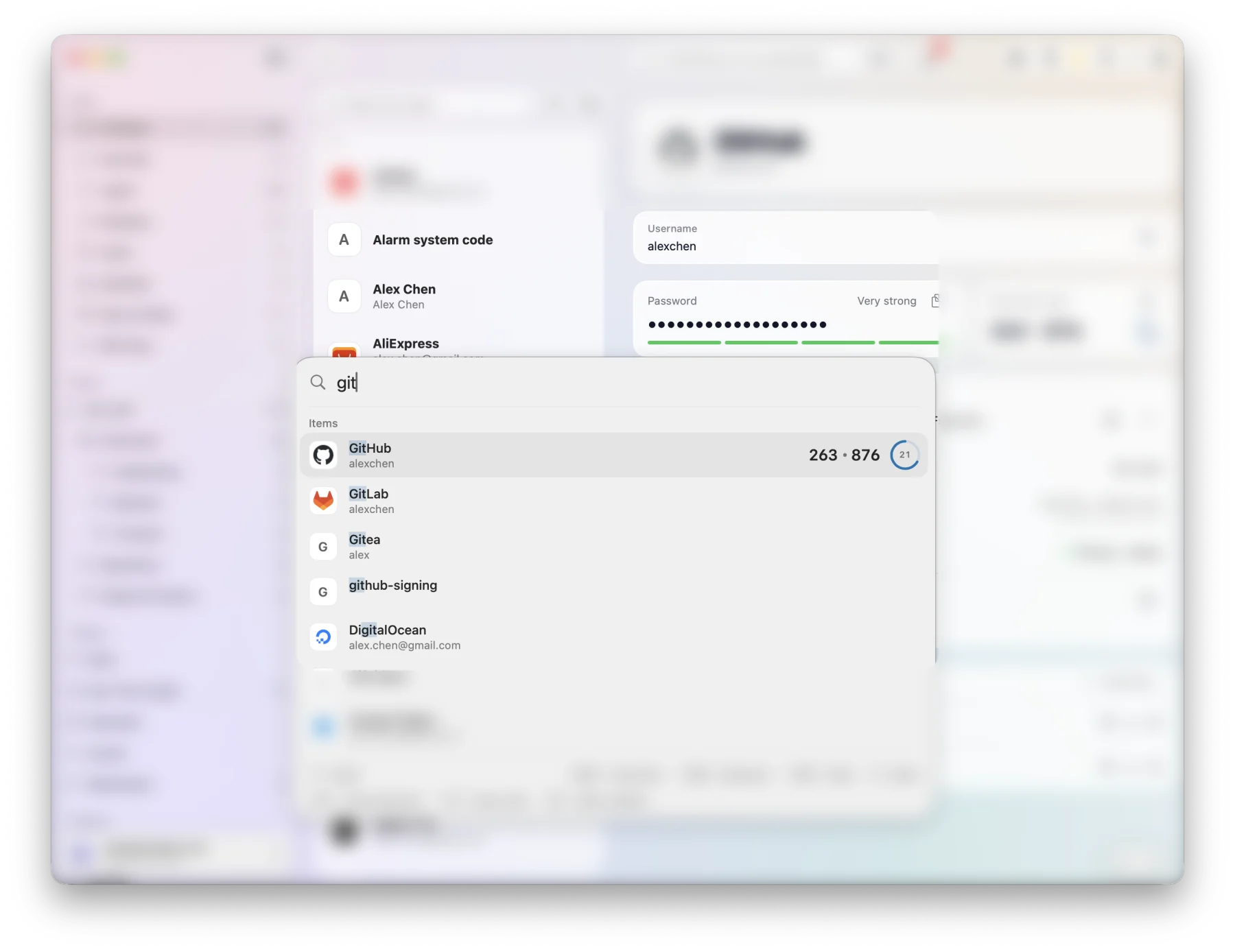
Search personal and shared vaults, then narrow the results with type:card is:favorite has:passkey #Work or the filter menu. Active filters appear below the search field and are saved between launches.
Convenience
Search your logins.
See matching items first.
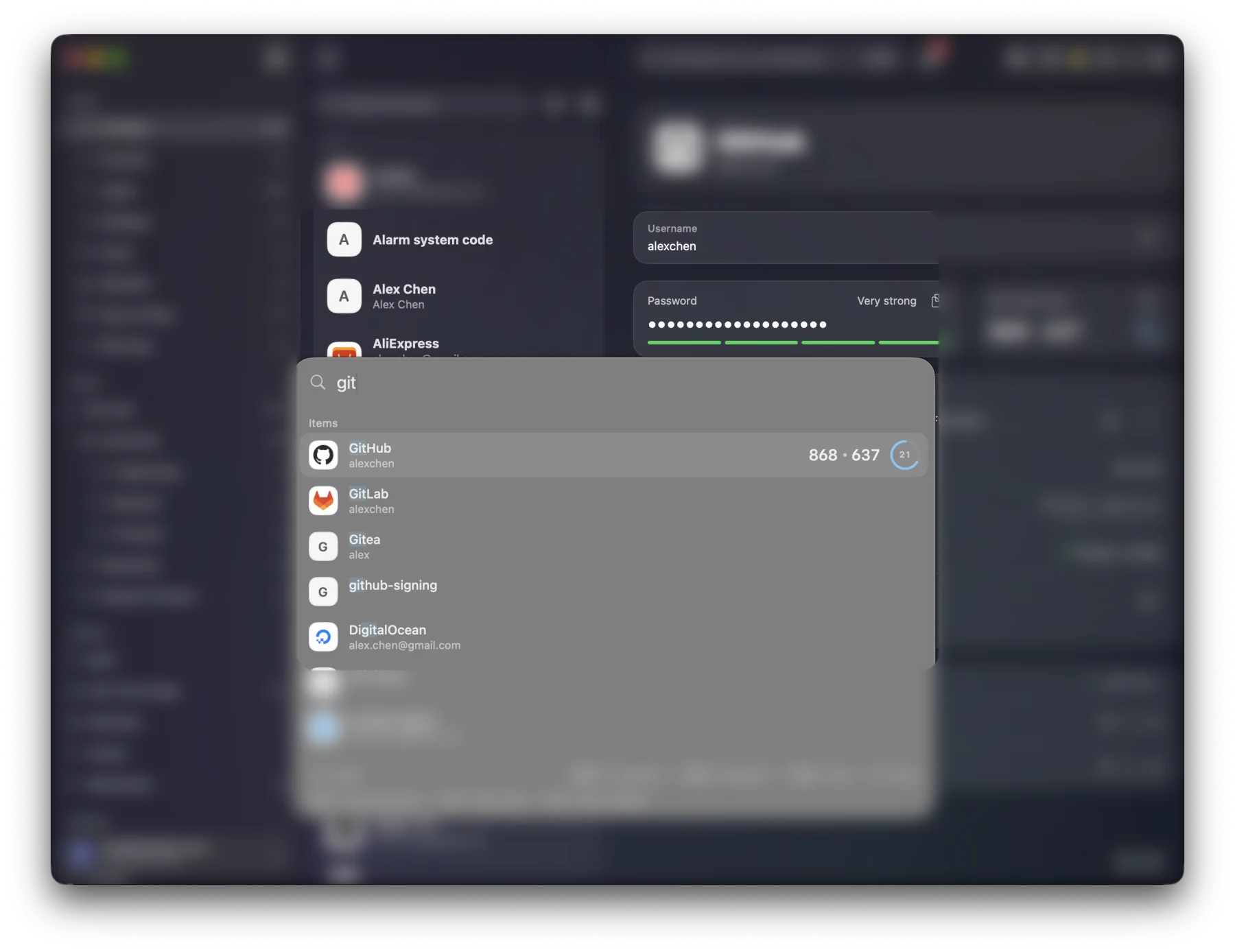
Press ⇧⌘Space in another app to find a login. Triwarden can prioritize matches for the current website or app. Select an item to type its username and password; Auto-Type requires macOS Accessibility permission.
In Triwarden, press ⇧⌘Space to search items and run commands such as New Login or Lock Vault.
Everywhere on your Mac
Built for your Mac.
Ready for your workflow.
- 01
Auto-type
Type logins into other apps.
Use the palette to choose a login and type its username and password into the focused app. Or press ⌥⌘\ for direct Auto-Type. Requires macOS Accessibility permission; results depend on the target app’s fields.
↵Type username and password⌃↵Username only⌥↵Password only⇧Add to any of these to submit too⌥⌘\From anywhere: fill the page or app you’re in - 02
Menu bar
One click from any app.
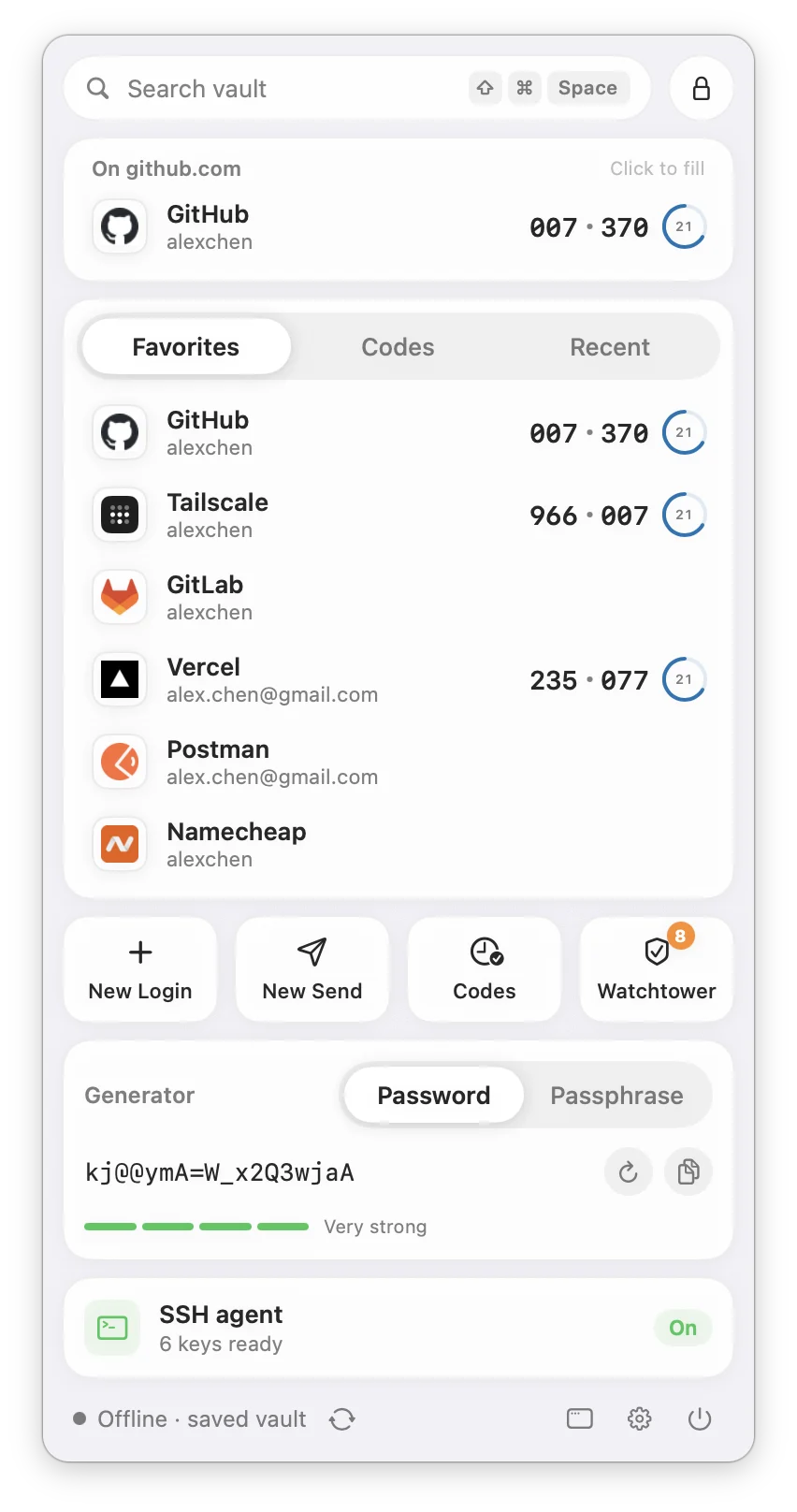
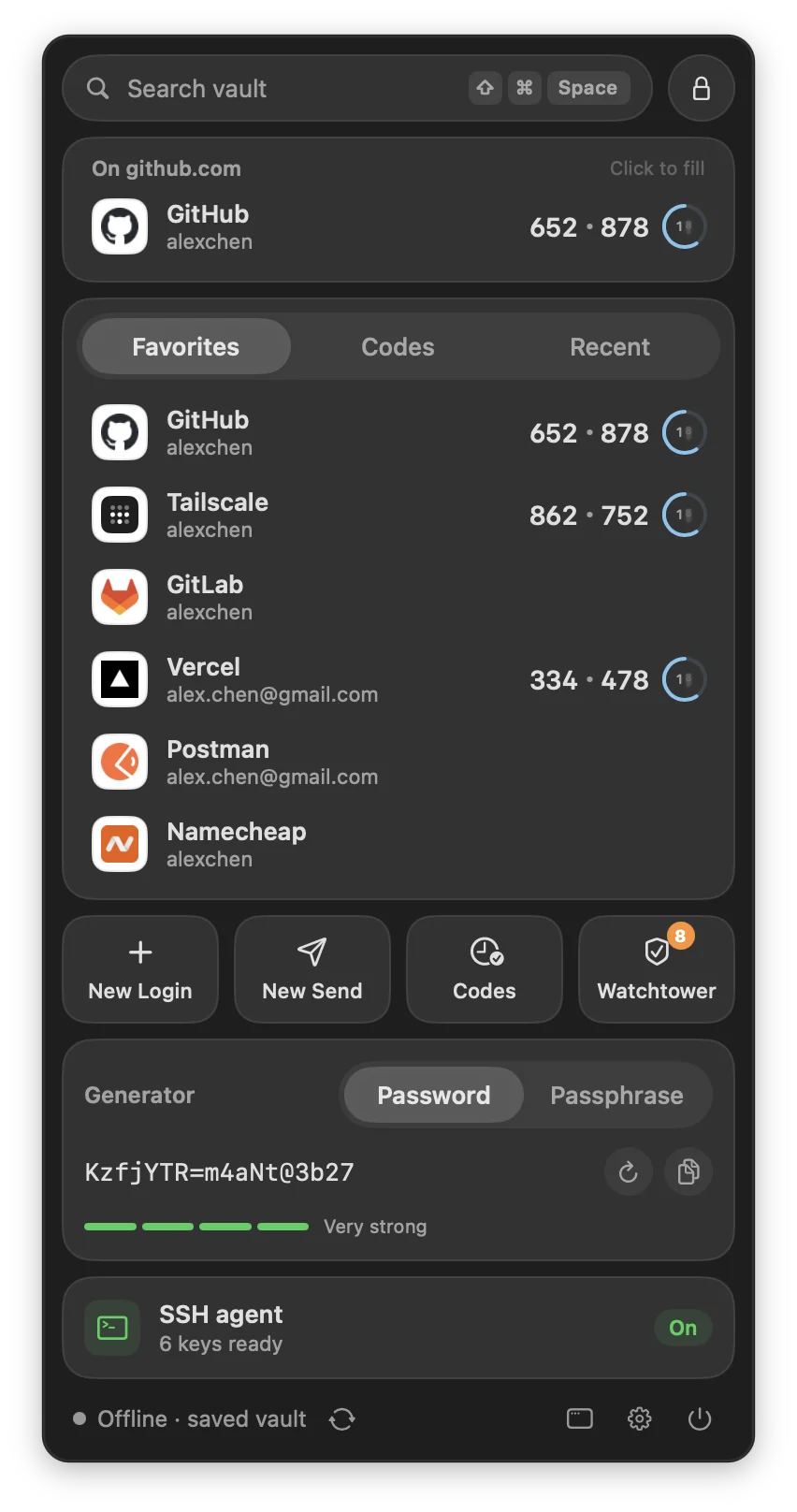
The login for the page you’re on, your favorites with live codes, quick actions and the generator — all in the menu bar.
For developers
Take API keys out of .env files.
Your tools still get them.
Save a key once or import your .env file. Triwarden gives it to Claude Code, Codex, Gemini CLI, an npm dev server or any program you set up, and only after you approve the launch with Touch ID.
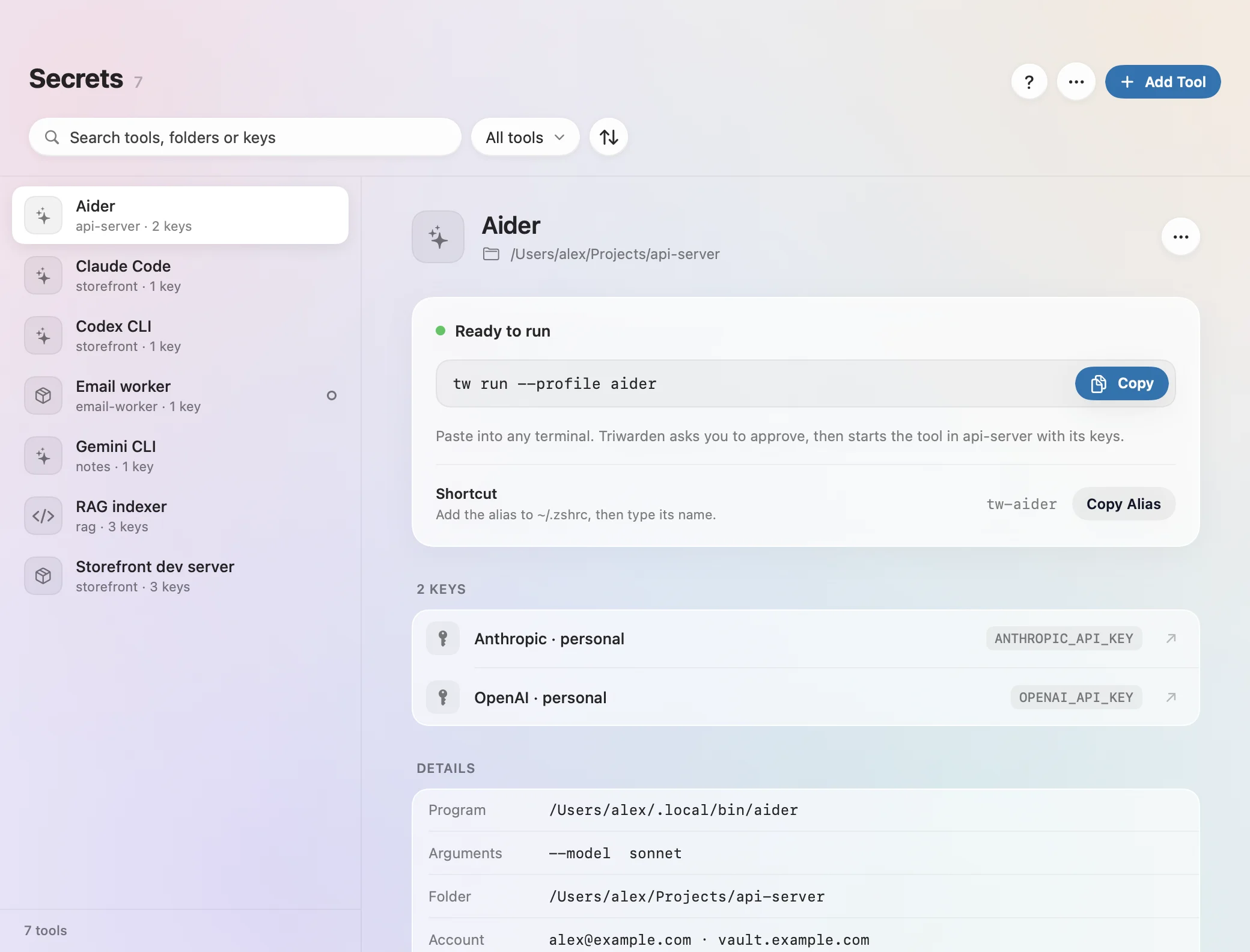
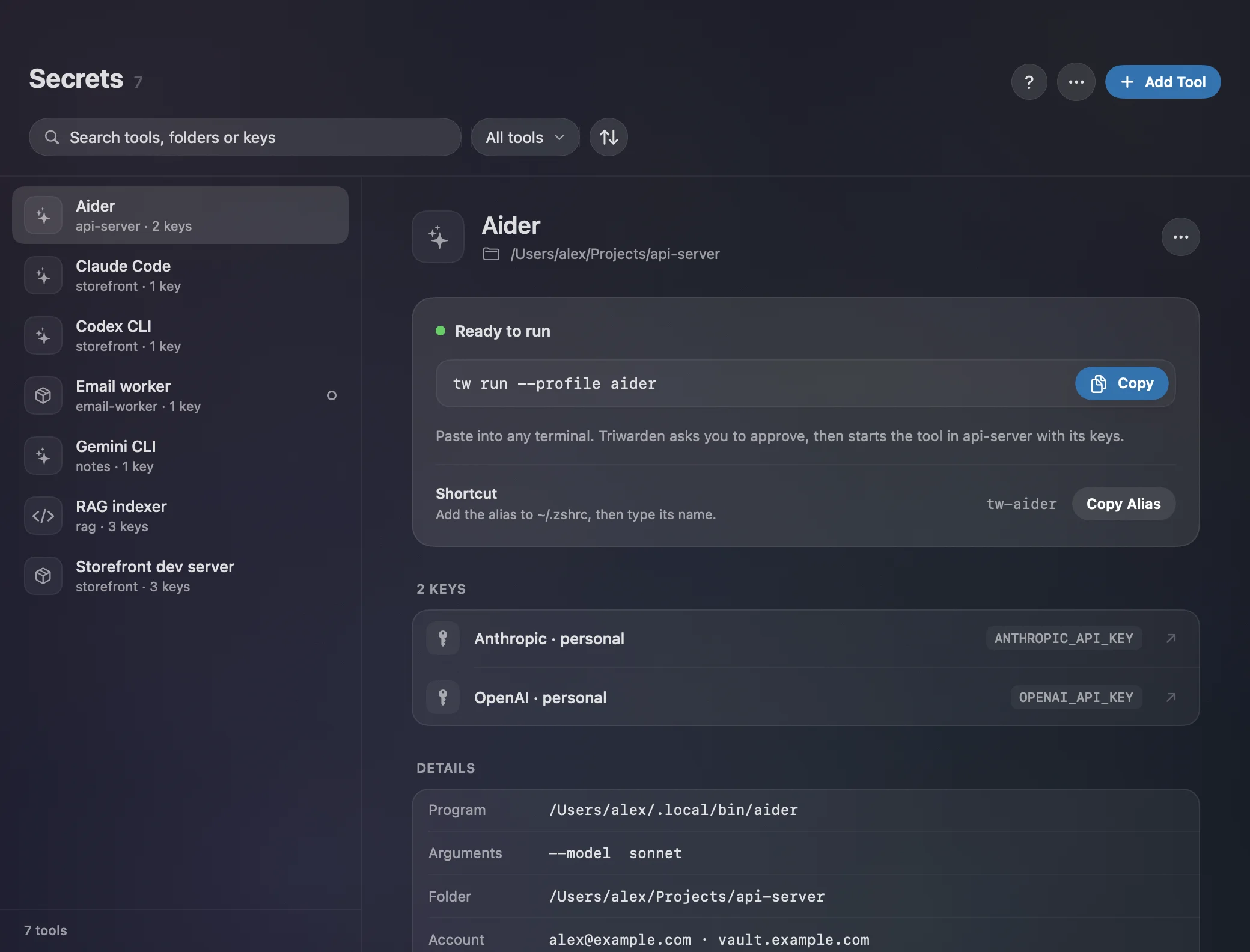
Keys stay in your Vaultwarden or Bitwarden vault. Nothing is sent to Triwarden servers.
Read the local API keys guideSave a key or import a .env file
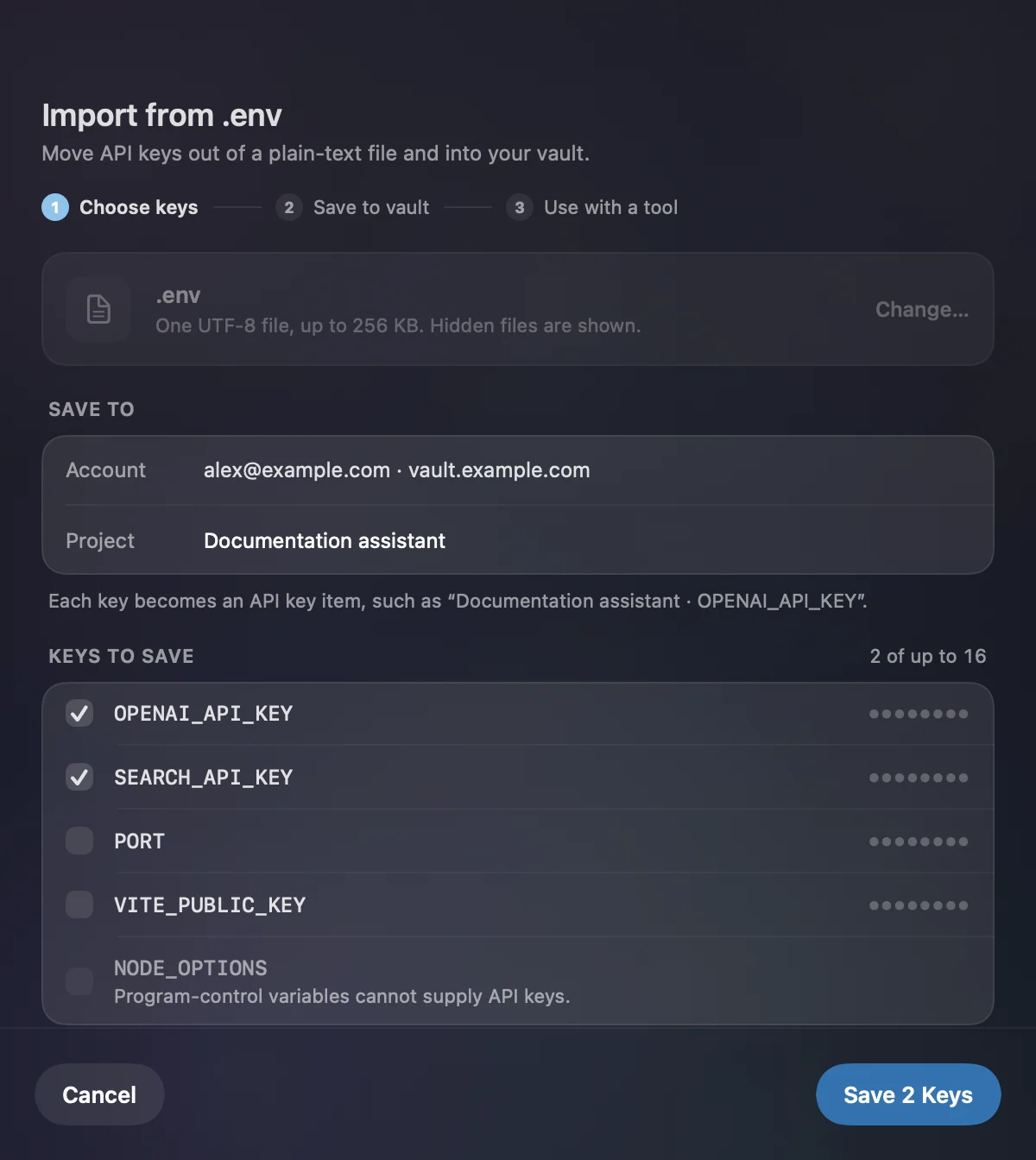
Choose New API Key, or import the .env file a project already has. Triwarden only reads the file and saves the keys you pick to your Vaultwarden or Bitwarden vault.
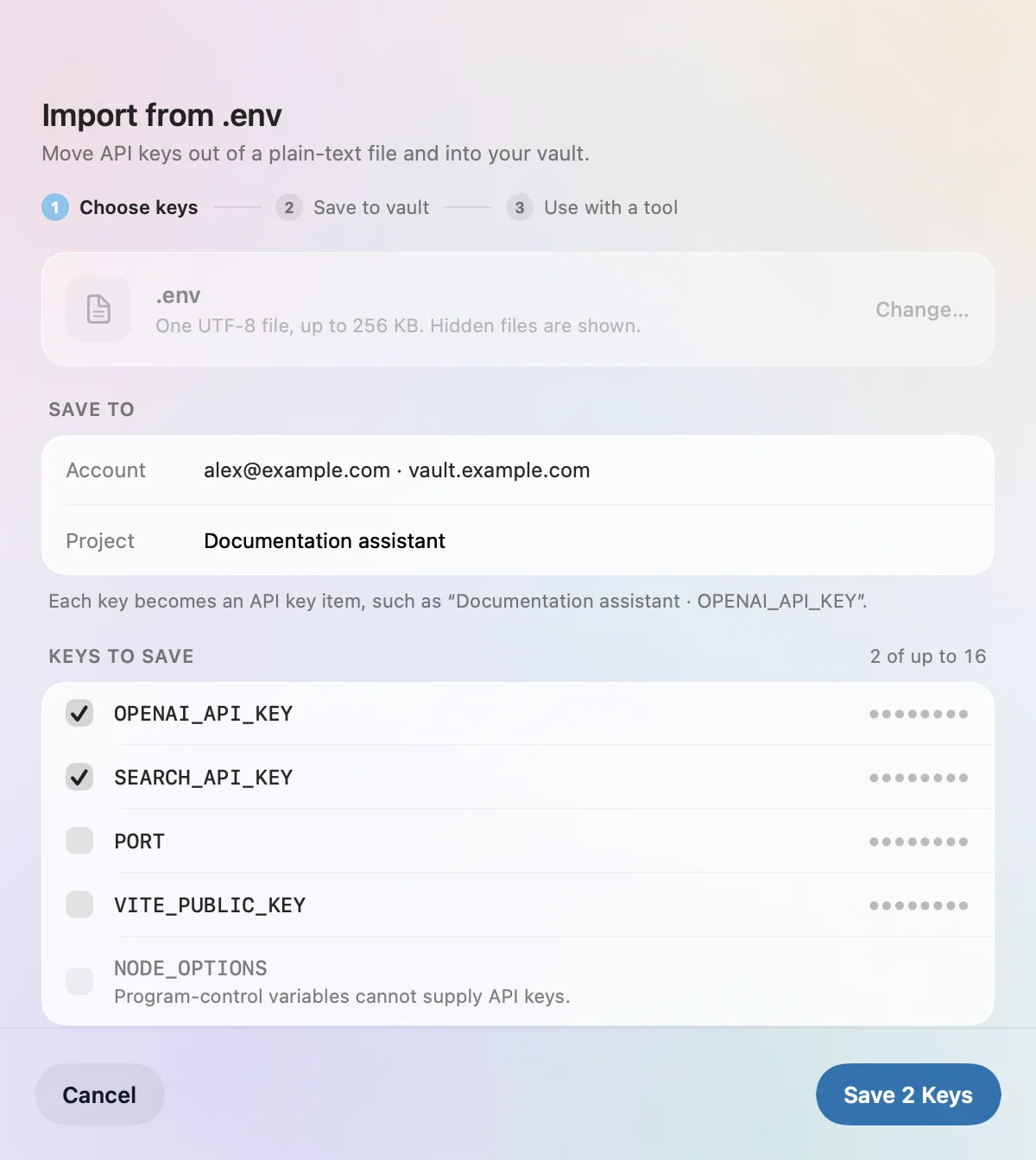
Give it to a tool
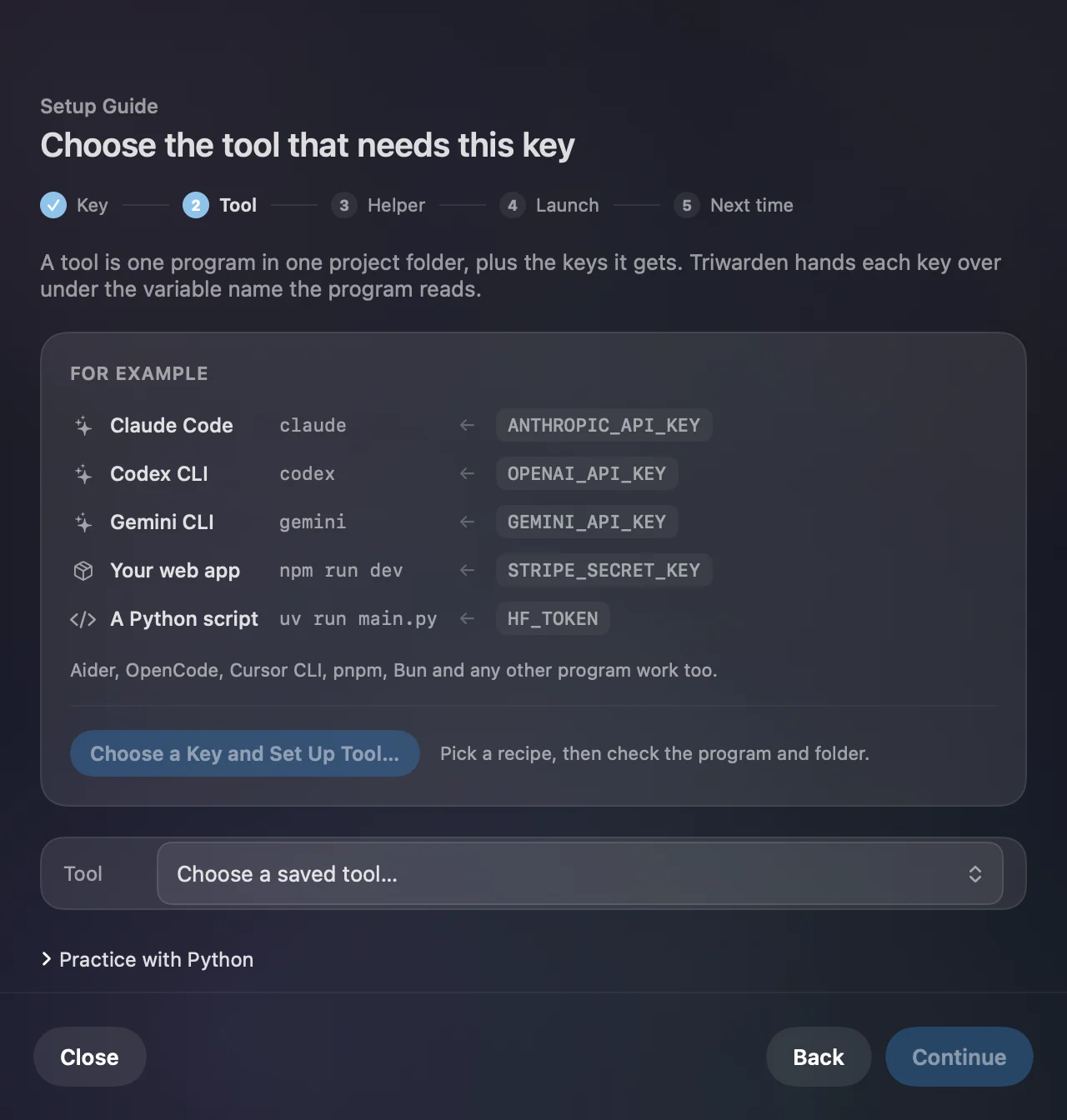
Pick Claude Code, Codex, Gemini CLI, an npm dev server or another program. Choose its project folder and check the variable name it reads, such as
ANTHROPIC_API_KEY.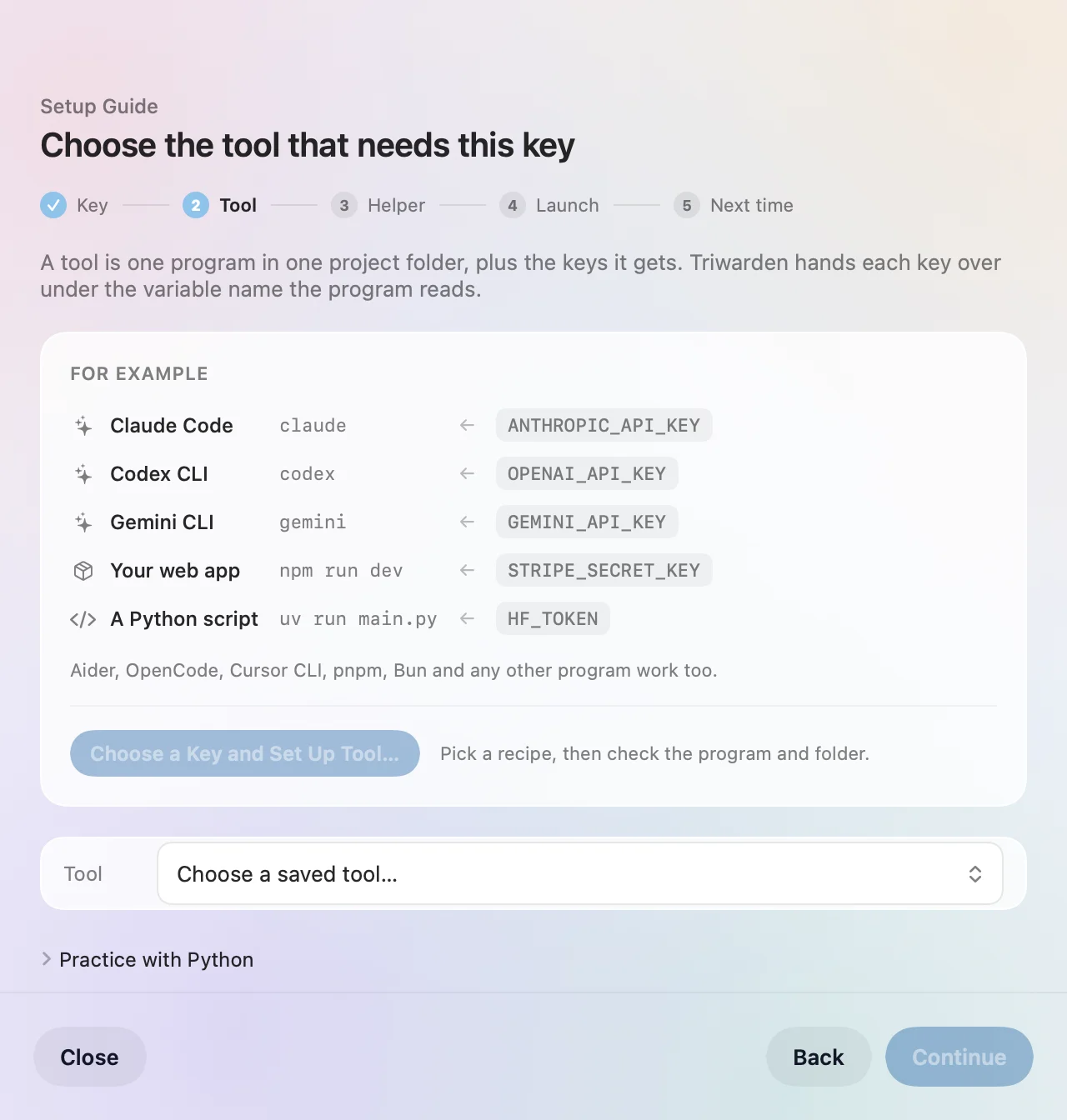
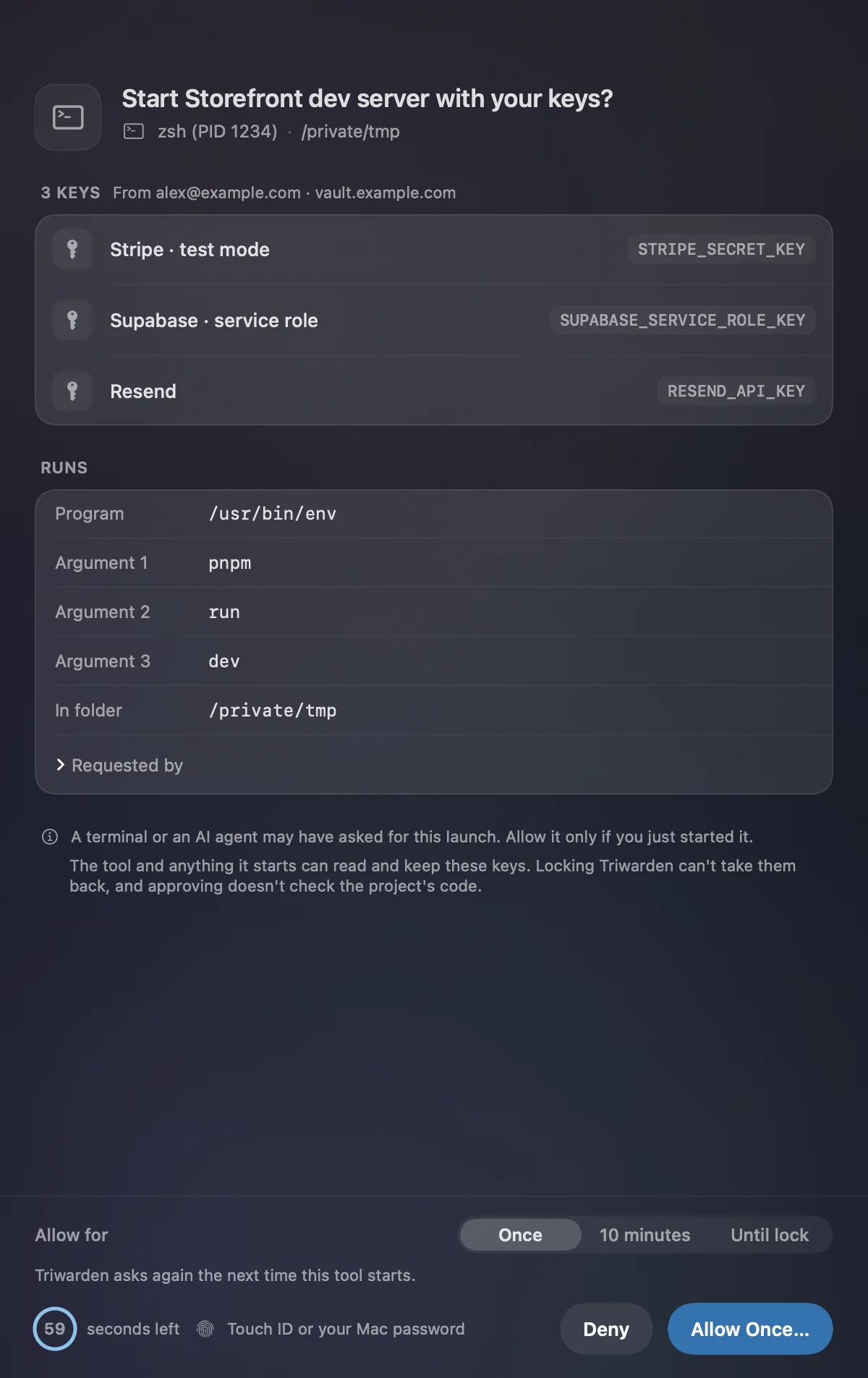
Approve each launch
Start the tool with a short alias such as
tw-claude-code. Triwarden shows the command, folder and every key, then hands the keys over as environment variables after you approve with Touch ID. Allow it Once, for 10 minutes or Until lock.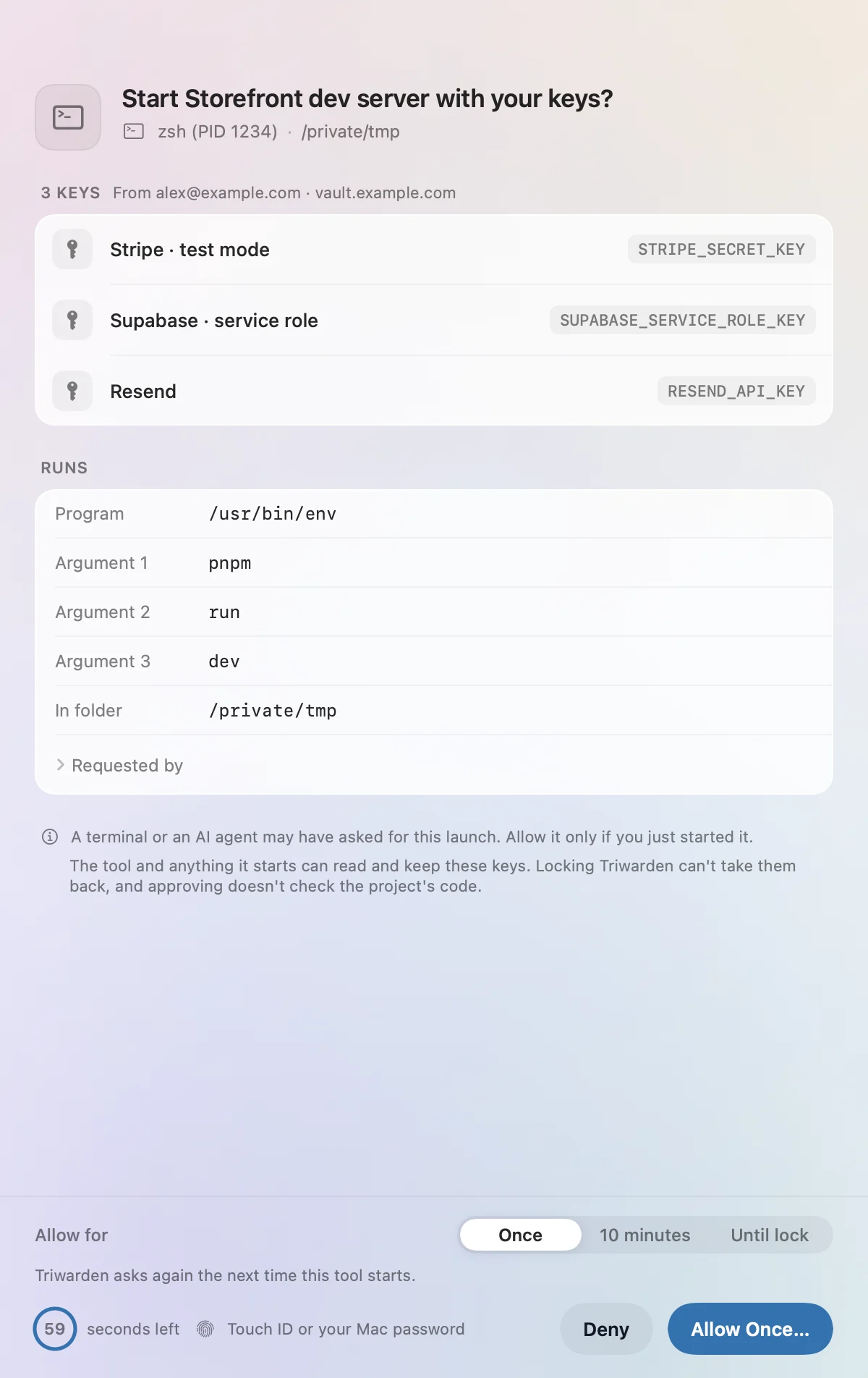
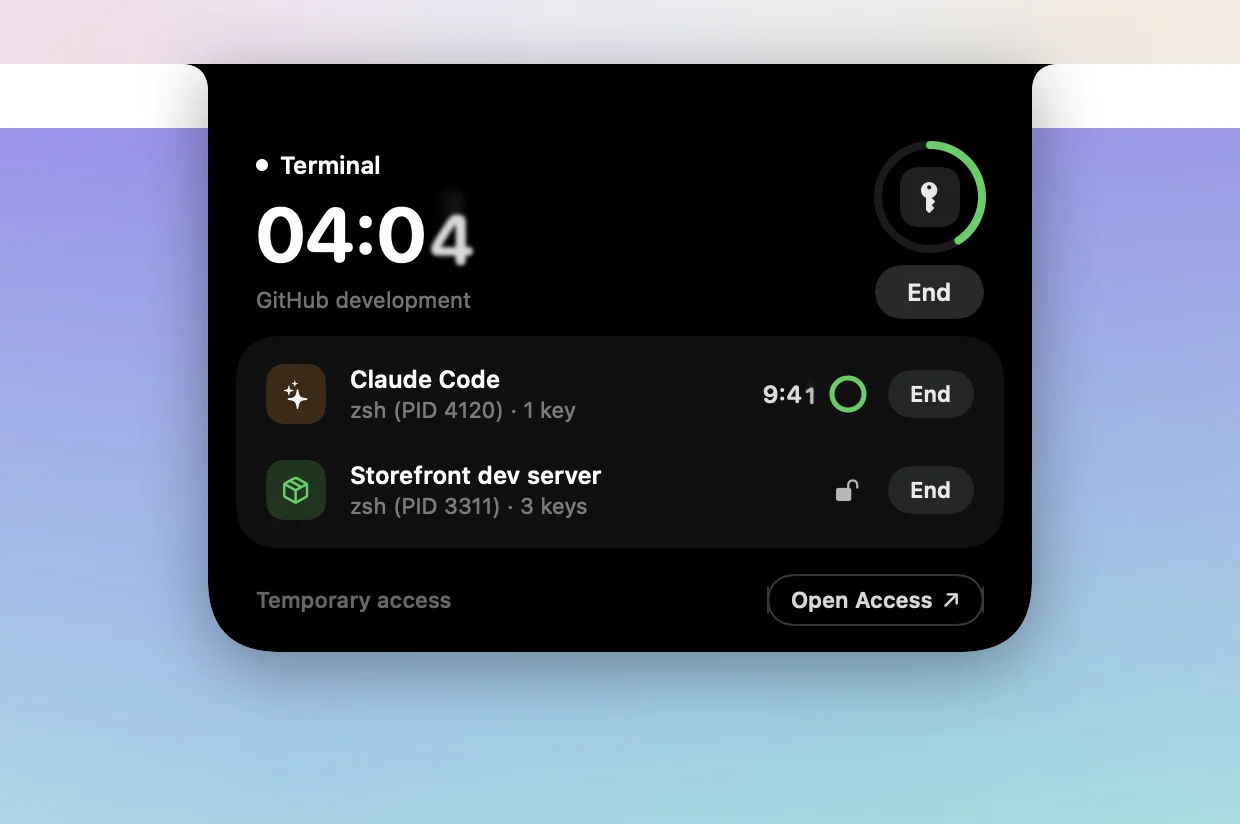
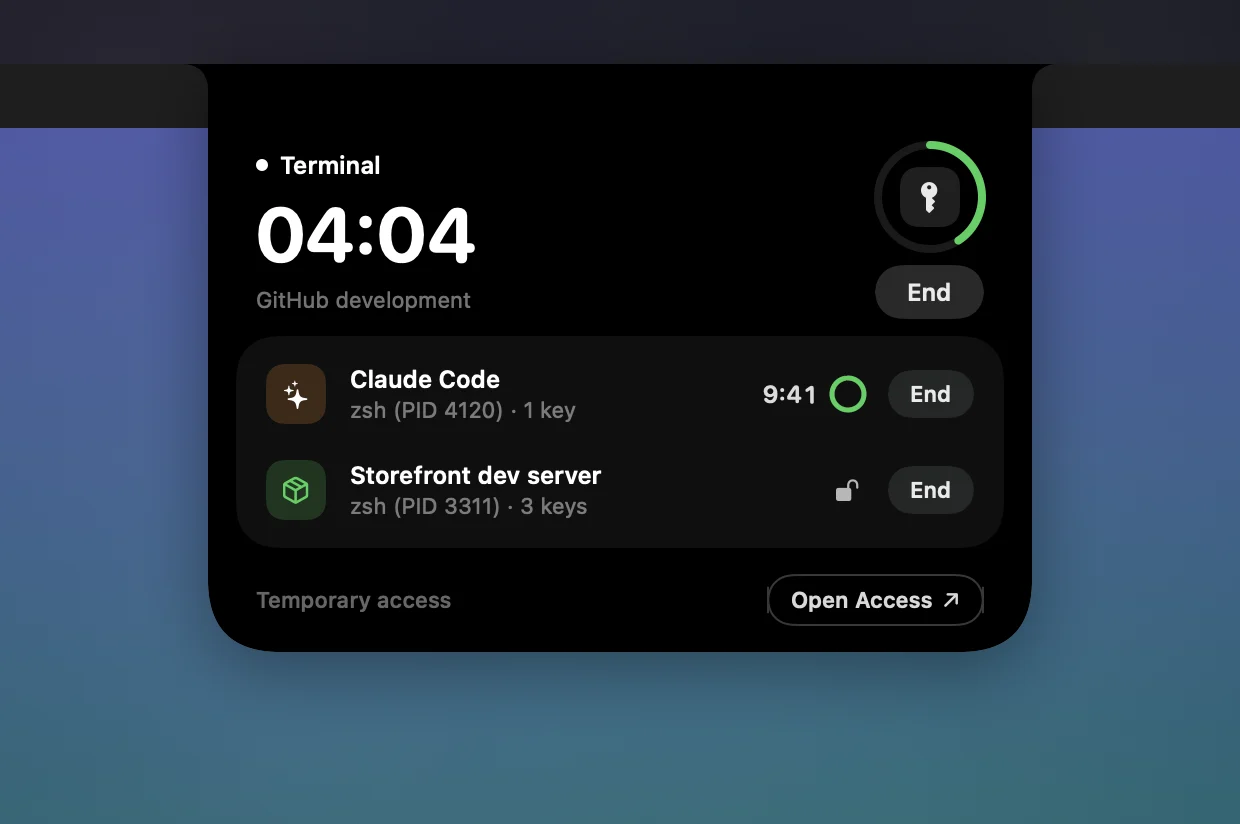
See and end access from the notch
The notch shows each approval with the time left; point at it to end one. SSH signing and tools with one key can also ask right in the notch. The option is in Settings and starts on for Macs with a notch.
Also for developers
SSH agent
Your SSH keys, guarded by Touch ID.
Store SSH keys in your vault and connect
Read the SSH agent guidesshto Triwarden. Approve authentication and Git signing with Touch ID or your Mac password. See the guide for~/.sshsetup.Automation
Use commands and shortcuts with your vault.
Use
twin scripts, Shortcuts and App Intents. Safari and Chrome integrations connect your browser to the vault. Requests to read secrets require approval with Touch ID or your Mac password.
Security model
Encrypted on your Mac.
Choose your server.
Vault data is encrypted on your Mac before syncing. Use your master password, Touch ID or PIN to unlock, and choose self-hosted Vaultwarden or Bitwarden cloud for storage.
Data encryption
Zero-knowledge, by design.
Your master password is used locally to derive keys with PBKDF2 or Argon2id. Vault contents are encrypted before they are sent to your server.
Local unlocking
Hardware-backed unlock.
On supported Macs, Touch ID uses Secure Enclave protection for saved unlock keys. Master password and PIN unlock are also available.
Encrypted sync
End-to-end, on your terms.
Connect to self-hosted Vaultwarden or Bitwarden cloud in the US or EU. Sync encrypted vault data, receive live updates when the server supports them, and read cached items offline.
Unlocked
A little detail in every unlock.
On the lock screen the rings turn as you type. When the last one lands in line, the door takes itself apart.
Security · Watchtower
Find the weak spots.
Keep your passwords private.
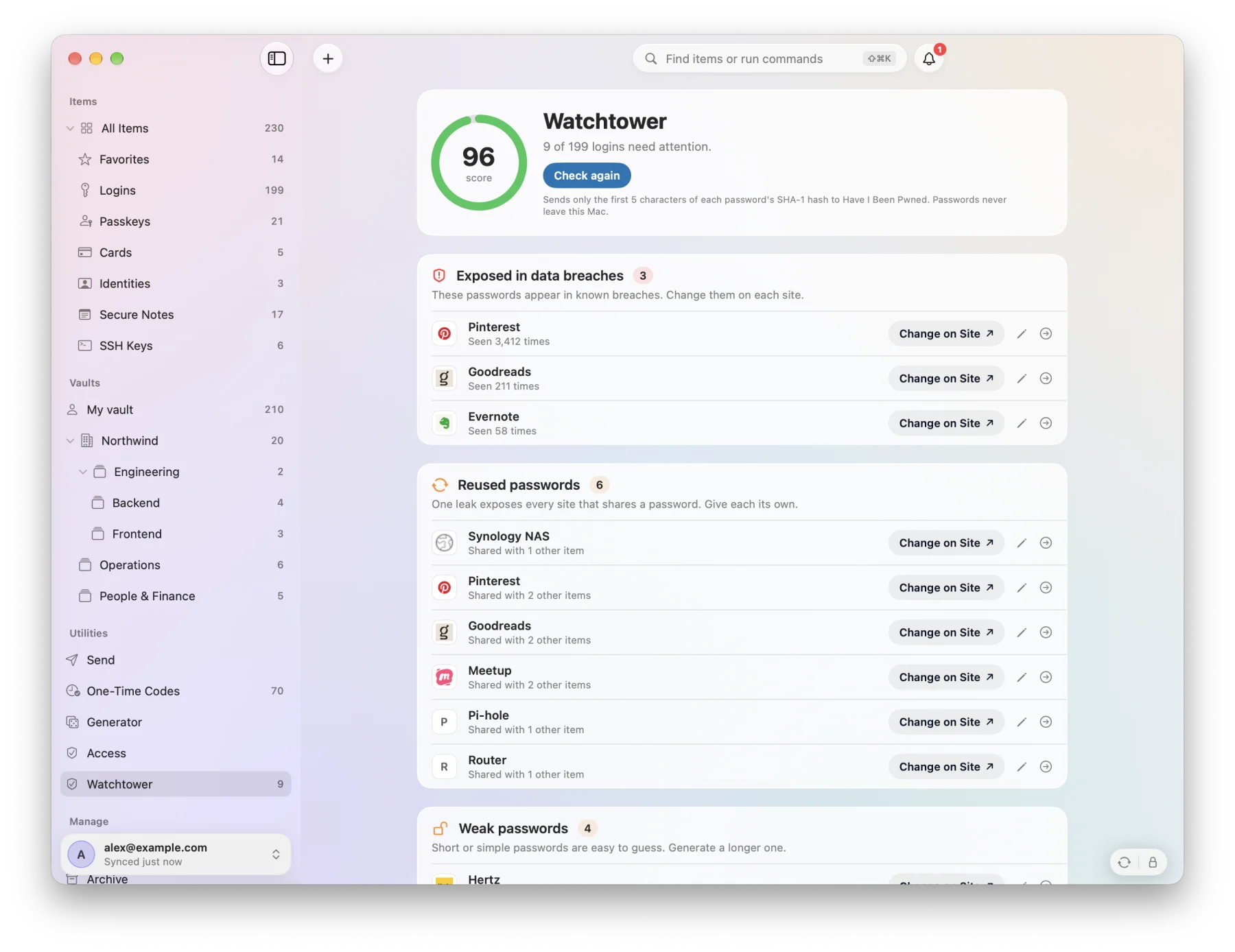
Find breached, reused or weak passwords, insecure website addresses, and sites that may support two-step login. Open the site to review or change your settings.
Breach checks use Have I Been Pwned’s k-anonymity: five characters of a hash leave your Mac, never the password.
Generator
Random passwords.
Easy-to-type passphrases.
Generate passwords, passphrases from the EFF wordlist, and usernames. Recent results are saved in the generator history.
Lightweight
Small download.
Native performance.
- download
- 19.3MB
- of memory at rest
- 138MB
- bundled browser engines
- 0
Download size of the latest release. Memory measured with make bench on an Apple M4 Pro with a 200+ item vault; it varies by Mac.
And much more
Everyday tools,
in one vault.
AutoFill and passkeys
Fill passwords, passkeys and one-time codes where the browser or app supports macOS AutoFill. Enable Triwarden as a provider in System Settings.
Send
Share text or a file through an encrypted link. Edit it later; the link stays the same.
Emergency access
On servers that support emergency access, invite a trusted contact and choose a waiting period for access to your vault.
Import your existing vault
1Password, LastPass, KeePass, Bitwarden, Proton Pass, Dashlane, Apple Passwords, Chrome, Firefox.
Many accounts
Self-hosted and cloud side by side. One Touch ID unlocks them all.
Shared vaults
Shared vaults with nested shared folders. Show one vault, several or all of them; event logs for admins.
Works offline
Unlock and read previously synced items from the encrypted local cache. Syncing and server features need a connection.
A clipboard that cleans up
Copied secrets clear themselves, with a countdown in the footer.
Item history
View edit dates and the previous passwords retained with an item.
Bulk actions
⌘-click, ⇧-click or ⌘A, then move, archive or trash them in one go.
Two-step login
Authenticator app, email, recovery codes, and approving sign-ins from your other devices.
Nine languages
English, 繁體中文, 粵語, 简体中文, 日本語, 한국어, Français, Español and ไทย.
Touch ID or PIN
One touch unlocks every account; a lock timeout for each, or log out instead of lock.
Every shortcut, one page
Help › Keyboard Shortcuts (⌘/) lists every key — in the window, the palette and system-wide.
Accessible
VoiceOver, full keyboard control, Increase Contrast and Reduce Motion.
The film
One minute
with Triwarden.
Pricing
Free for personal use.
One payment to support development.
Personal use includes every feature with no time limit. A license supports development and removes purchase reminders. Work or business use requires a license.
Personal use free · One-time license US$19.99
Personal use is free. Using Triwarden for work requires a paid license. One license covers your personal and work use on all your Macs. Each team member needs their own license.
Questions
The fine print,
in large type.
Is anything locked until I pay?
No features are locked. Personal use is free with no time limit. After 30 days, a purchase reminder may appear at most once a week. Work or business use requires a license.
How many Macs does one license cover?
One license costs US$19.99 once and covers one person on all their Macs, including a company Mac. It has no expiry and includes future updates. Resale, transfer and sharing between users are not allowed.
When does Triwarden connect to other services?
Triwarden connects to your vault server to sign in and sync. License registration stays on your Mac; checkout uses Stripe. Enabled update checks use GitHub. Watchtower can query password-breach and two-step-login services. See Privacy for details.
Which servers does it work with?
Self-hosted Vaultwarden and Bitwarden cloud in the US and EU. You can use several accounts together. Some features depend on your server version, plan and permissions.
Can I build it from source?
Yes. Triwarden is free software under the GPL-3.0; building it yourself is always free. Forks need their own name and icon.
What if I use Triwarden for both personal and work accounts?
Personal use is free. Using Triwarden for work requires a paid license. Work accounts include company email, company GitHub, client systems and accounts used for freelance work. One license covers your personal and work use on all your Macs. Each team member needs their own license. The purpose of use decides whether a license is needed, not who owns the Mac.
Can I share or resell my license?
No. A paid license key is assigned to one person. It cannot be resold, transferred, lent or shared with other users. See License terms for details.
How do I contact you?
Email [email protected] for purchase or product questions. Report bugs through GitHub Issues. For security reports, follow the Security policy.
Can my coding tools use API keys from the vault?
Yes. Save the key in your vault, give it to a saved tool such as Claude Code, Codex, Gemini CLI or an npm dev server, and start it with tw run or its alias. Triwarden passes the key as an environment variable after you approve with Touch ID. Keys stay in your Vaultwarden or Bitwarden vault, and nothing is sent to Triwarden servers.
Make yourself
at home on Mac.
Use every feature free for personal use. A one-time license costs US$19.99, supports development and removes purchase reminders. Required for work use.
$ brew install --cask sinhong2011/tap/triwardenv0.12.1 · 19.3 MB · macOS 26 or laterRelease notes
Requires macOS 26 or later. Update checks are optional; Homebrew users can update with brew upgrade.